
Description
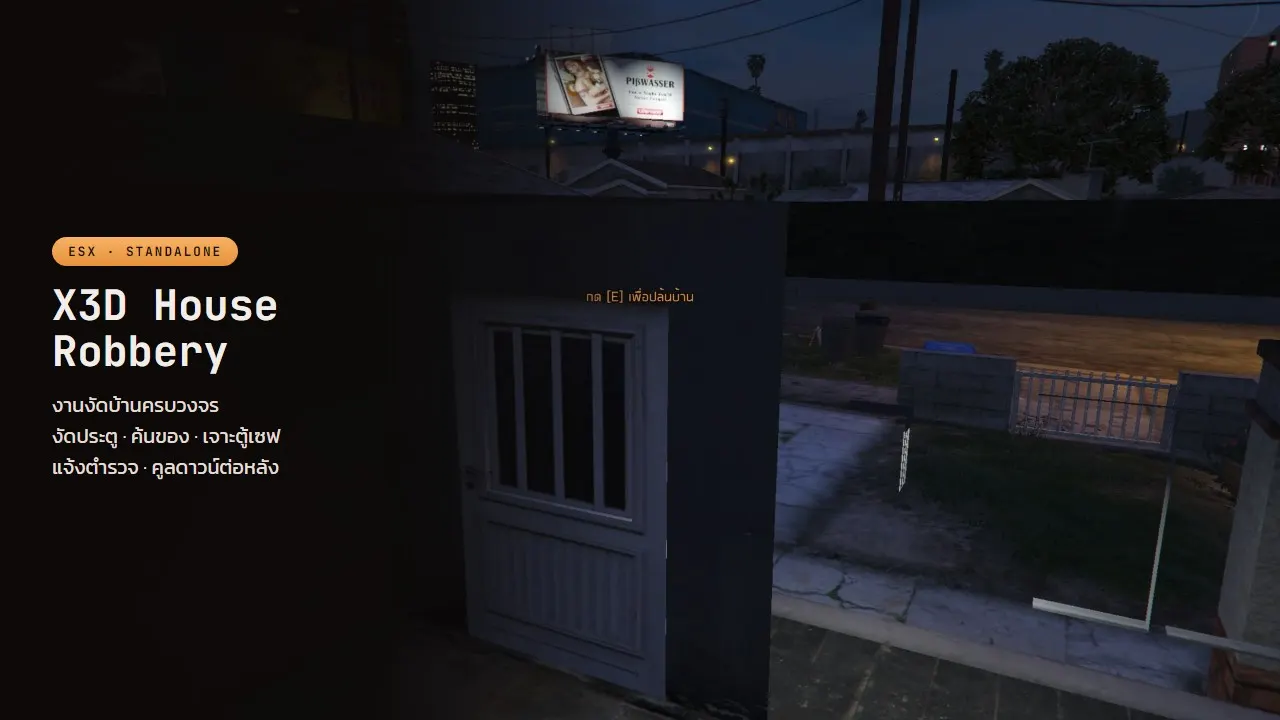
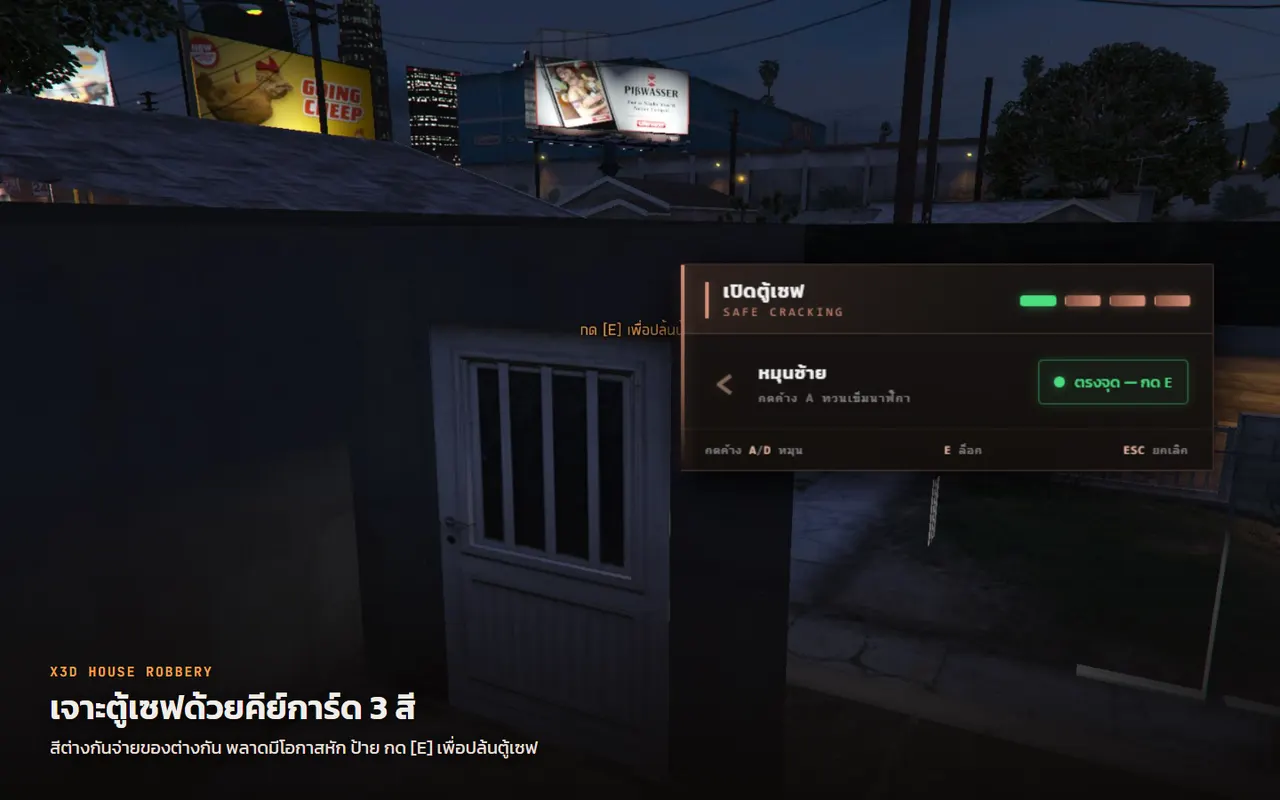
A full house robbery loop — pick the door, search the rooms, crack the safe, walk out. Each house carries its own cooldown, so nobody farms one address.
Runs on ESX or standalone. The minigames come from X3D Lockpick and X3D Safe Cracking (free, separate downloads) or the ox_lib skill check; either one is enough.
Features
- [+] Easy to set up: tune everything in the config, or change it from the web
- [+] Pick the door, search the rooms, crack the safe, walk out: the full loop
- [+] Each house has its own cooldown, with a time you set
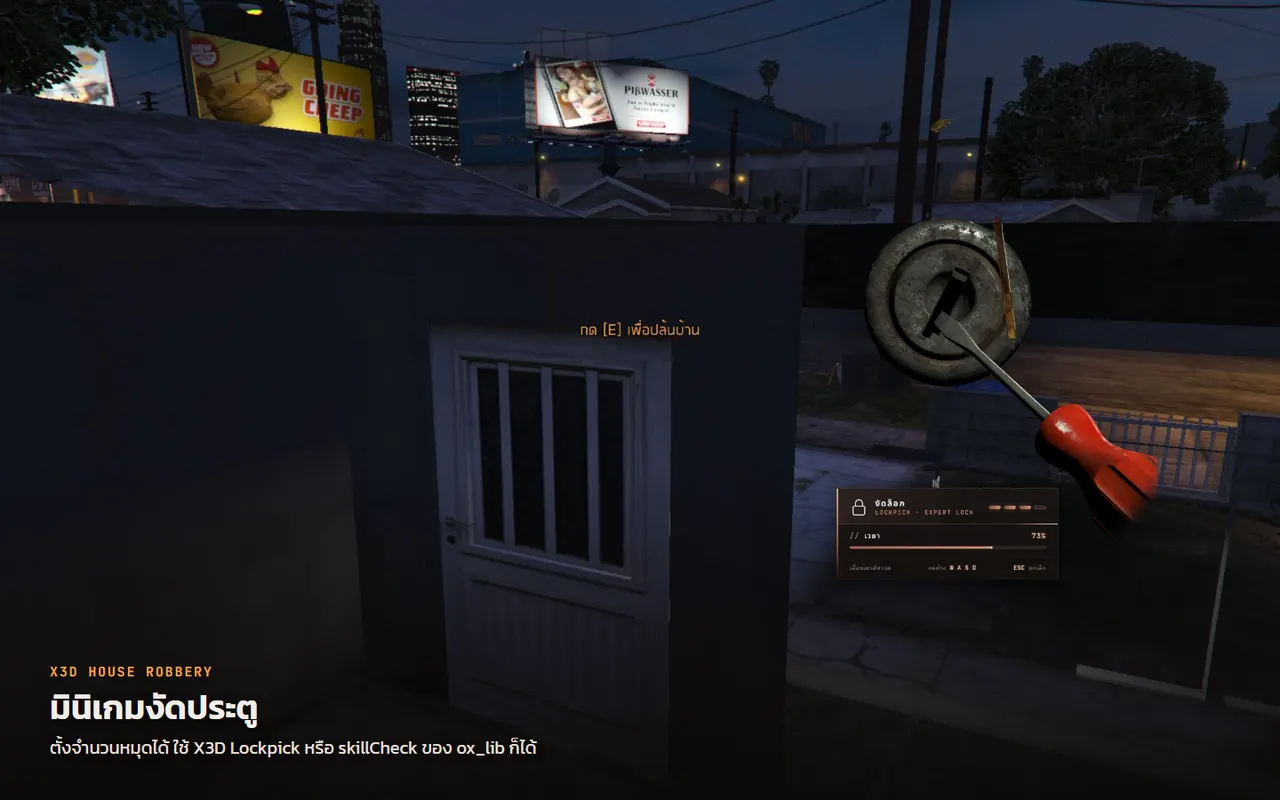
- [+] Lockpick minigame with a pin count you set, and a safe-dial minigame
- [+] Use X3D Lockpick / X3D Safe, or the ox_lib skill check
- [+] Three keycard colours; each colour opens a different safe loot table
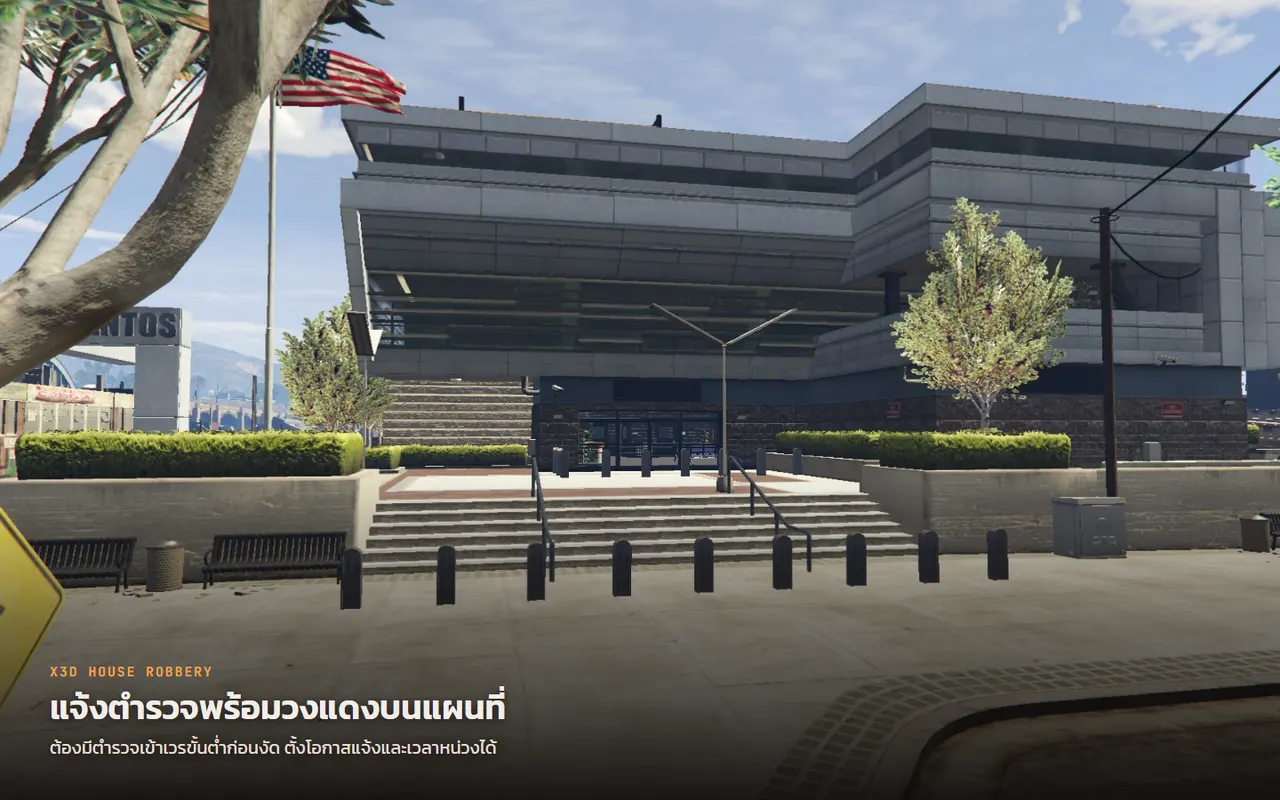
- [+] Minimum on-duty police before anyone can rob, plus jobs that cannot rob
- [+] Police alert by chance with a delay, and a red circle on the map
- [+] Separate floor and safe loot tables, random min-max counts and % chances
- [+] Loot can be black money or cash, as you set it
- [+] Add your own houses: entrance, exit, search points and safe position
- [+] Hook your own scripts in at addons/
How it plays
- Carry a keycard (
keycard_red/keycard_gold/keycard_silver), walk up to a house that has not been hit and press E - The lockpick minigame runs on the door; clear it to get in. The keycard is used up, and a failed attempt can break it
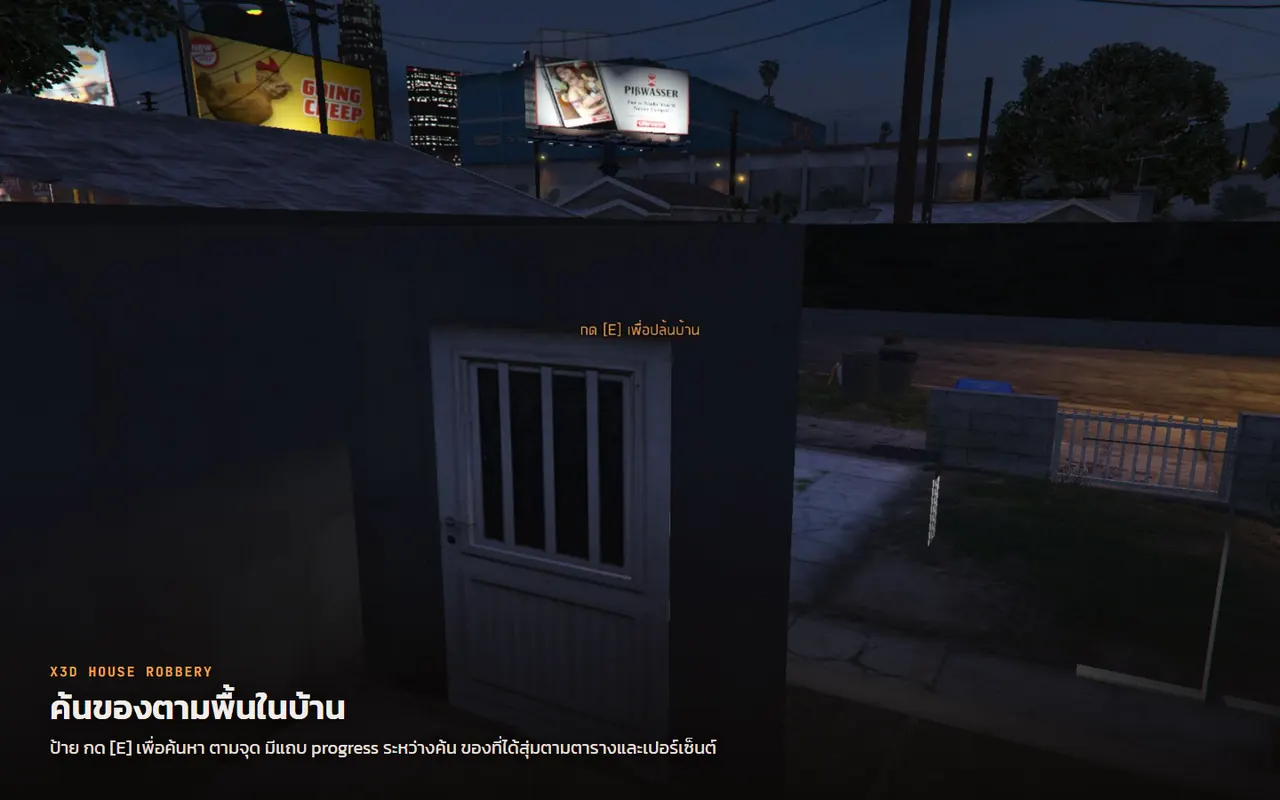
- Inside, search points are spread through the rooms. Work through them one at a time for randomised loot
- The safe has its own dial-cracking minigame and pays better than the floor. The keycard's colour decides which loot table the safe pays from
- Press E at the door to leave
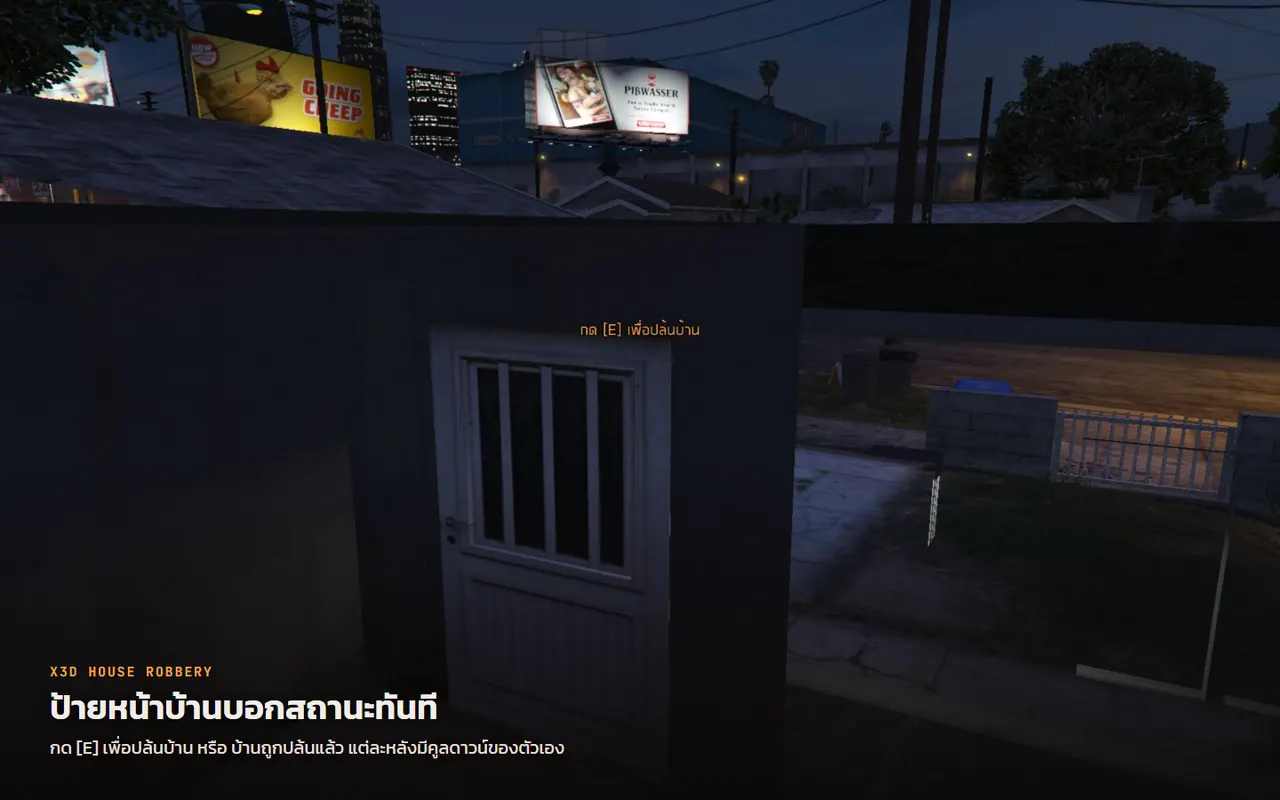
Once robbed the house goes on cooldown, and the label out front turns red to say so.
Police and admins
- On-duty police required:
Config.RequiredJobs = { police = 2 }, checked on E and again after the minigame - Jobs that cannot rob:
Config.BlockedJobs = { police = true } - Police alert:
Config.Alertfires on a successful break-in. Chosen jobs get a message and a temporary red circle on the map, with a chance and a delay you set - Admins see every house on the map: green = robbable · faded red = on cooldown. Turn it on with
Config.AdminBlips = true, or from the "House robbery" page in X3D Admin Panel, which also lists every house. Players never see them
The loot
Separate tables for floor loot and the safe, each with its own items, chances and counts. The safe has one table per keycard colour.
Carry weight is checked before anything is handed over, if your inventory exposes that (off by default).
All of it is configurable
Every house, the entry and exit portals, the search points, the safe position, search duration, how many pins the lockpick uses, the cooldown — all in config.lua. Loot tables live in sv_config.lua.
Thai and English text, switched with Config.Locale.
Labels and progress bar built in
3D labels and the E prompt are built in, so no label resource is required. The progress bar and notifications pick whatever you already run (esx_progressbar, ox_lib, esx_notify) and still work when you run none of them.
Version history
- 1.2.4 — Released 13/10/2026 00:19
- 1.2.2 — Released 12/10/2026 10:21
- 1.2.0 — Released 11/10/2026 15:44
- 1.0.0 — Released 24/09/2026 10:48
Related scripts
- 7-day trial
- Updated
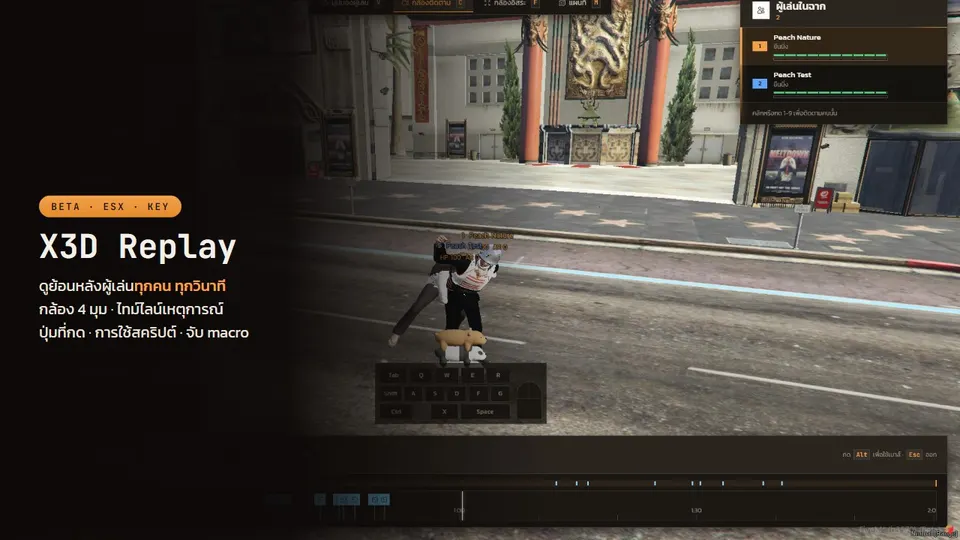
X3D Replay
BETA pricing. Records every player, every session. Watch it back in game: 4 cameras, kill/death timeline, pressed keys, script usage, macro flags.
or rent ฿120/month
- 7-day trial
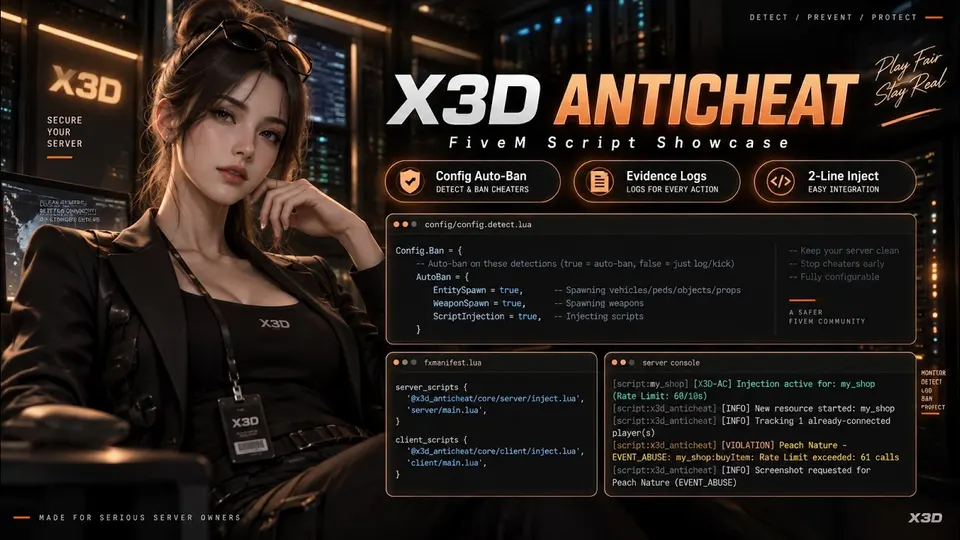
X3D Anti-Cheat
BETA pricing, join the testing. Evidence-first anti-cheat: Discord embeds with screenshots, HWID bans, Steam/Discord account lock, two-line event guard.
or rent ฿120/month
- 7-day trial
- Updated
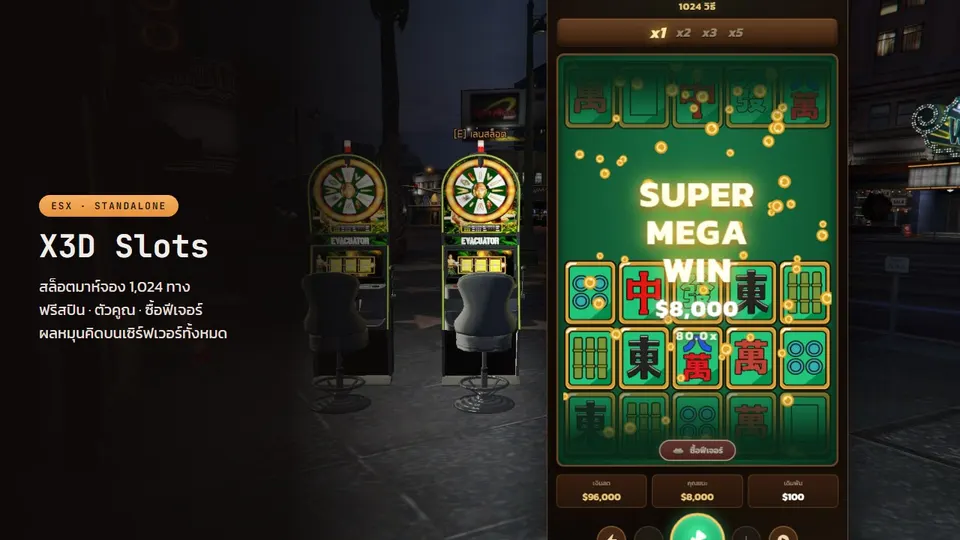
X3D Slots 1024 Ways
1,024-way cascading slot, Mahjong style, 97.5% RTP. Server-authoritative spins, anti-exploit, with free spins, multipliers and big-win scenes.
or rent ฿500/month
- Updated
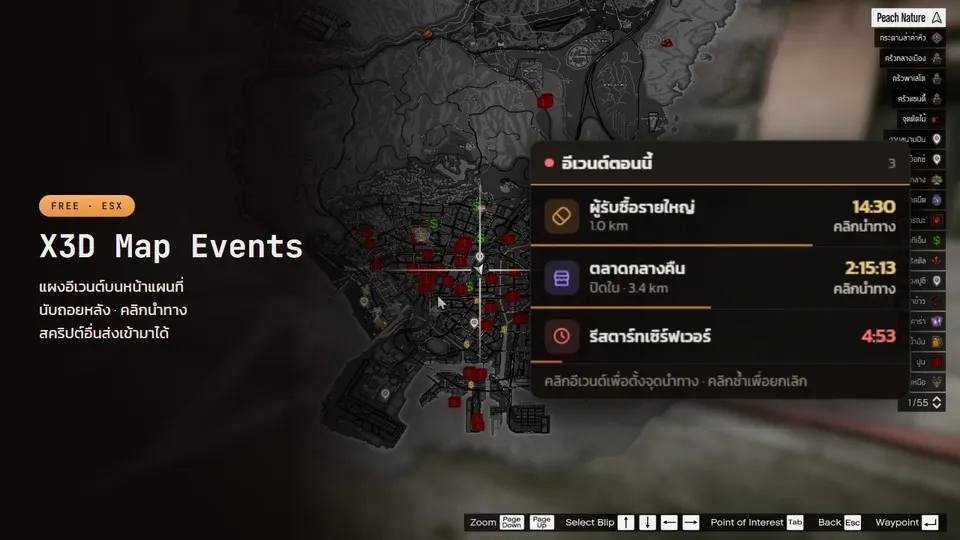
X3D Map Events
Free event panel on the pause-menu map: name + countdown, click to set a waypoint. Other scripts push events like notifications; admins can create their own.
Posts that cover this script
- 24/09/2026
Free FiveM crime scripts: drug selling, house robbery, lockpick and safe-cracking minigames for ESX
X3D's free gang-side set for ESX — X3D Sell Drug (buyers rotate around the map, pay black money), X3D House Robbery (pick, loot, crack the safe, per-house cooldown), X3D Lockpick and X3D Safe Cracking (minigames behind one export). Everything is checked server side, with notes on wiring them into what you already run.
Read more - 07/10/2026
Free FiveM minigame scripts: lockpick and safe cracking in one export call, plus rewards cheaters can't fake
Free FiveM minigame scripts from X3D: X3D Lockpick (WASD pin finding), X3D Safe Cracking (GTA-style dial with no dependencies, not even ESX) and X3D House Robbery, which uses both. One blocking export call, difficulty you set, other keys blocked while playing, and server-side code that stops players from simply reporting a win.
Read more - 16/09/2026
FiveM Scripts Explained: Types, ESX vs QBCore vs Standalone, and How to Choose
Read more - 15/09/2026
How Much Does It Cost to Open a FiveM Server, and What Do You Need? From 32 Players to a 2,000-Player City (2026)
Read more