
HUD & UI
HUD and UI/NUI scripts for FiveM built with Vue — smooth, with colors, themes and logo customizable to your server.
- Updated
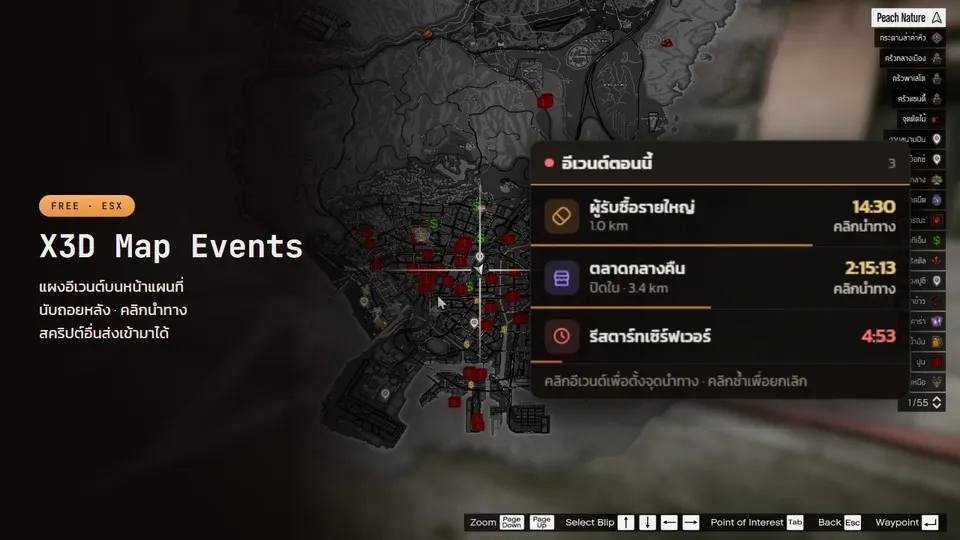
X3D Map Events
Free event panel on the pause-menu map: name + countdown, click to set a waypoint. Other scripts push events like notifications; admins can create their own.
- Updated
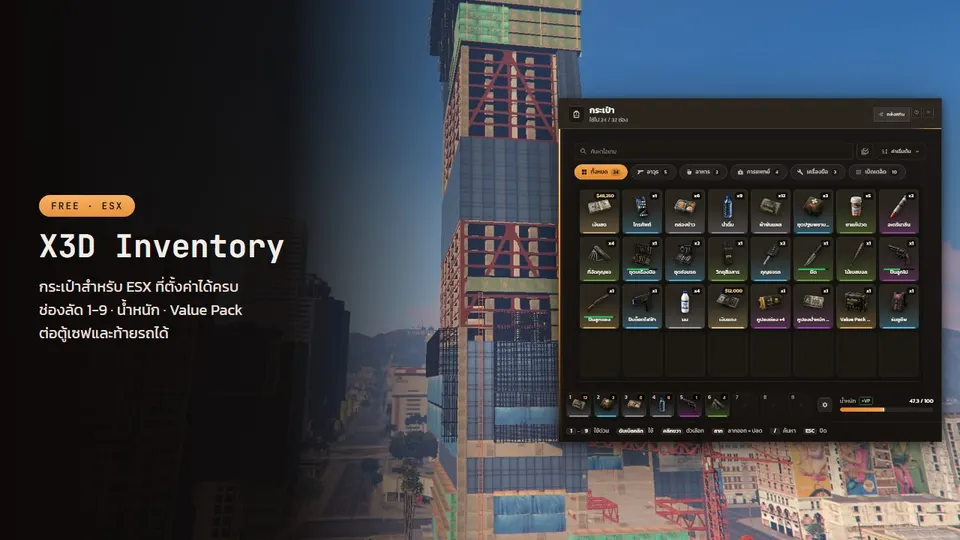
X3D Inventory
Free ESX inventory with big readable text, hotkeys 1–9 saved per character, coupon-based capacity and a storage panel for any vault or trunk script.
- Updated
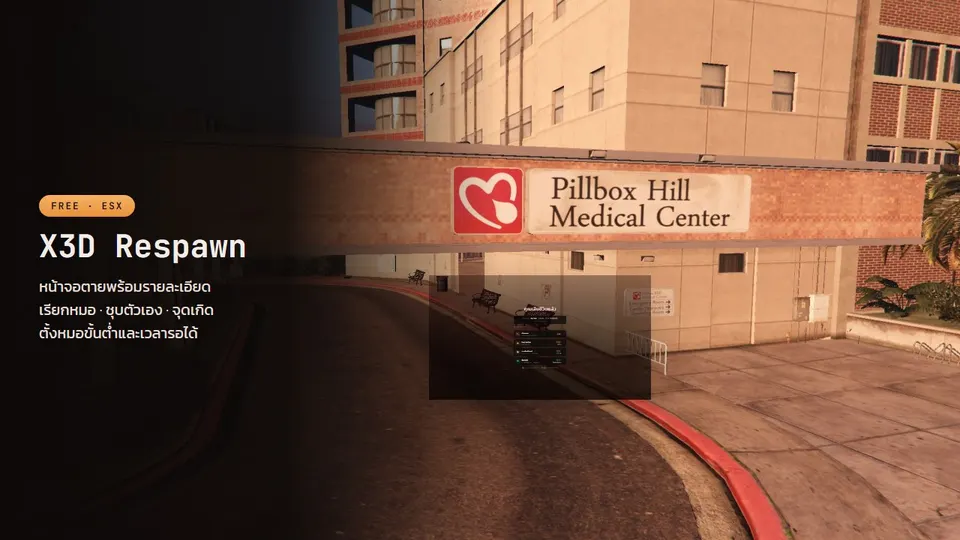
X3D Respawn
Free death screen: Call EMS button, wait for medics when they are online, respawn points, self-revive, a death summary and death kept across relogs.
- Updated
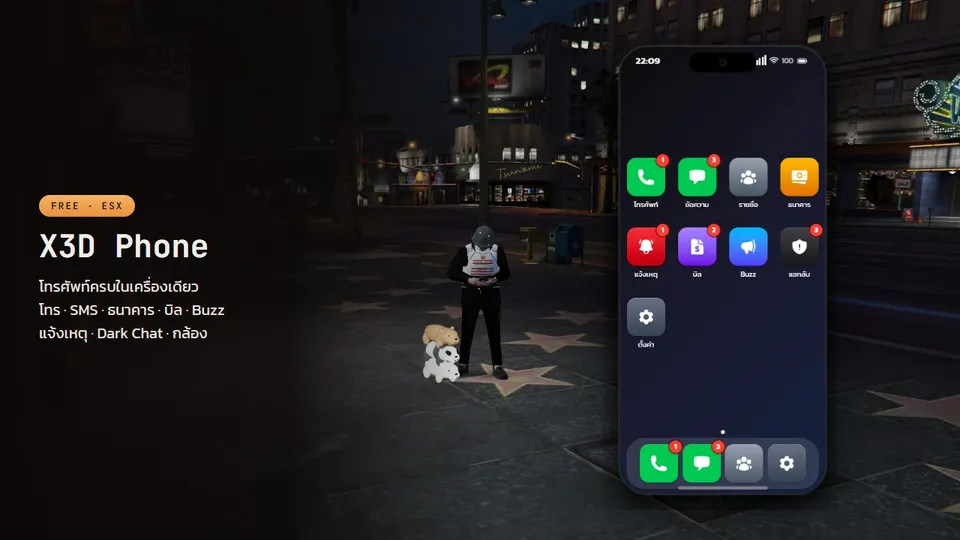
X3D Phone
Free ESX smartphone: pma-voice calls, SMS with location sharing, mobile banking, a camera with self-hosted photos, Buzz and anonymous Dark Chat.
- Updated
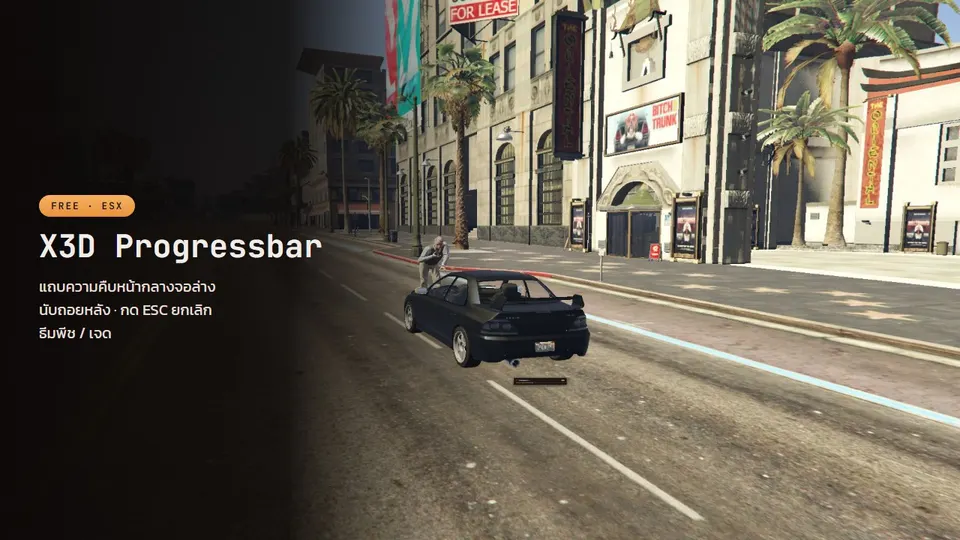
X3D Progress Bar
A peach-themed progress bar with ESC to cancel, a countdown, an automatic hotkey lock, and a bundled Thai font.
- Updated
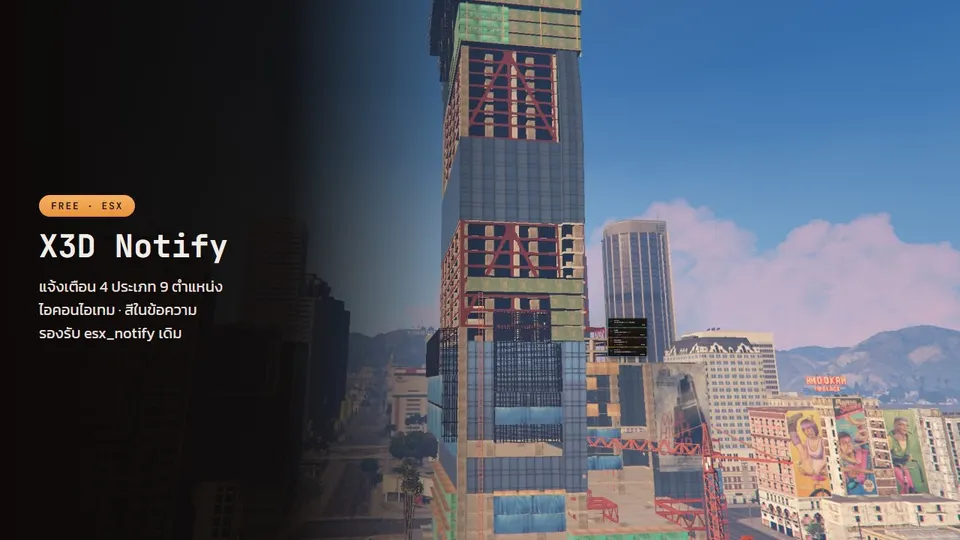
X3D Notify
Notification cards in nine positions, with item icons and rarity frames, and full Thai support.
- Updated
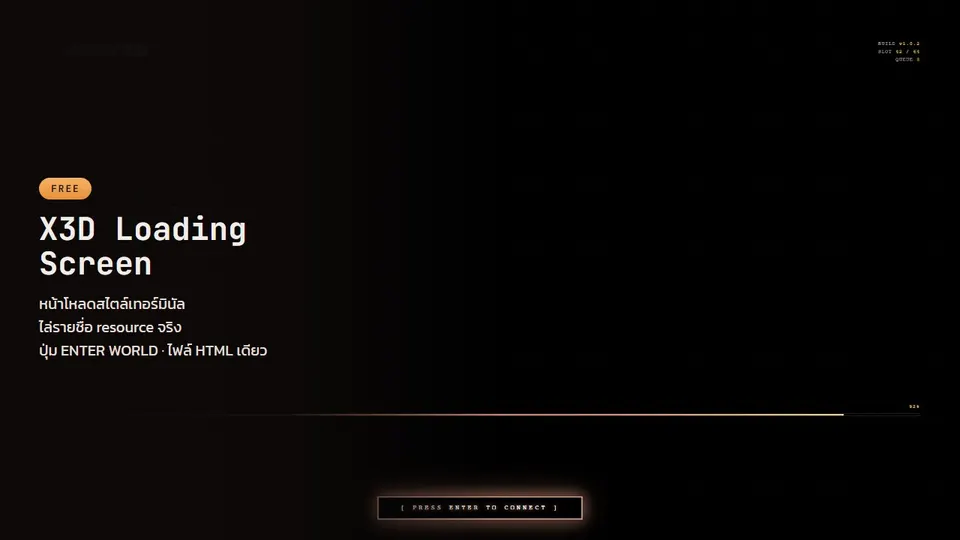
X3D Loading Screen
A terminal-style loading screen with an ENTER WORLD button the player presses before spawning. One HTML file, no build step.
- Updated
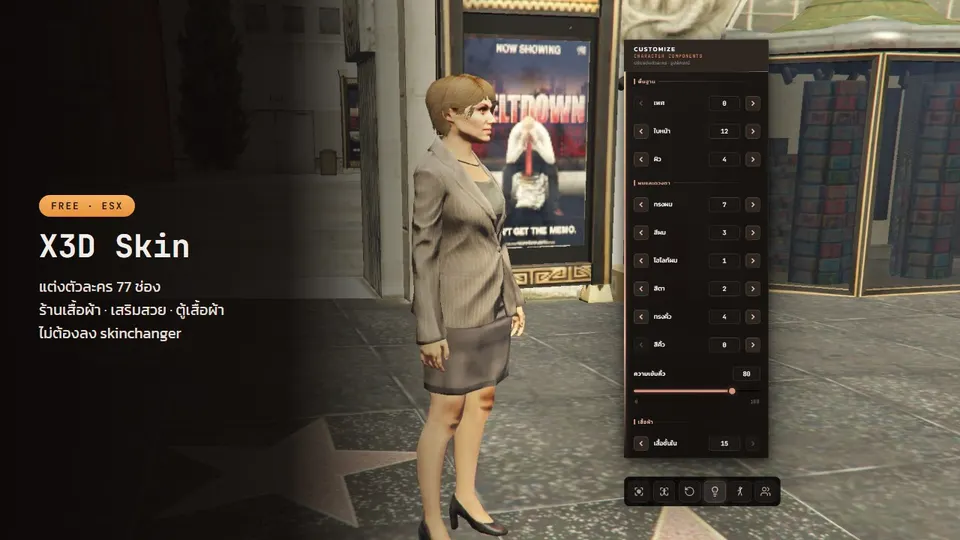
X3D Character Skin
A 77-slot character editor with an orbiting camera, poses and lighting. No skinchanger, no database, any framework.
- Updated
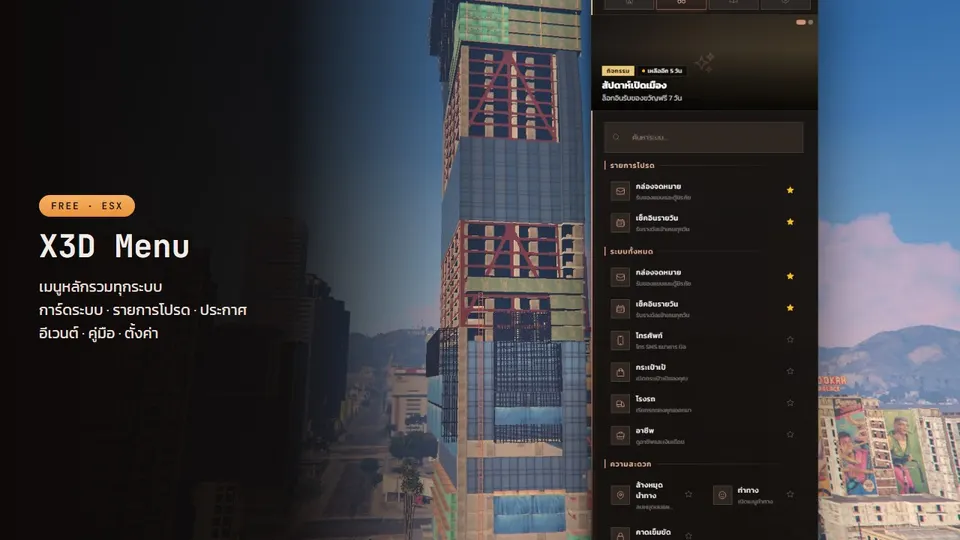
X3D Main Menu
A server main menu: system cards, announcements, timed events, an in-game guidebook and per-player settings. No database, any framework.
What to know before choosing: HUD & UI
The HUD & UI category covers the screens players see every minute: loading screen, notifications, progress bar, main menu, character creator, phone, death screen and inventory. Each is an NUI page running on the player's PC at the same time as the others.
Check that a UI only renders while it is shown, embeds its fonts instead of loading them from the internet, and doesn't send messages every frame. Several always-on UIs are the most common cause of FPS drops on busy servers.
Guides covering HUD & UI
- 24/09/2026
Replace esx_notify, esx_progressbar and esx_loadingscreen with X3D's free UI set — without touching old scripts
esx_notify has 4 positions and no Thai font, esx_progressbar cannot be cancelled, esx_loadingscreen white-screens on some machines. A side-by-side of stock ESX UI against X3D Notify, X3D Progress Bar and X3D Loading Screen (free, GPL v3), and how to switch while scripts that call the old exports keep working unchanged.
Read more - 24/09/2026
FiveM UI Lag Fix: Why NUI Eats FPS and How to Stop It (2026)
UI lag in FiveM: FPS drops when the inventory opens, notifications arrive late, the HUD stutters. The real causes are several NUIs rendering at once, messages sent every frame, fonts and CSS loaded from the internet, and progress bars that do not lock other UIs. How to measure it, and the free UI scripts that already fix it.
Read more - 24/09/2026
Free FiveM crime scripts: drug selling, house robbery, lockpick and safe-cracking minigames for ESX
X3D's free gang-side set for ESX — X3D Sell Drug (buyers rotate around the map, pay black money), X3D House Robbery (pick, loot, crack the safe, per-house cooldown), X3D Lockpick and X3D Safe Cracking (minigames behind one export). Everything is checked server side, with notes on wiring them into what you already run.
Read more - 25/09/2026
Free FiveM phone for ESX plus a death screen with Call EMS: the whole medic loop in two scripts
A free FiveM ESX phone script (X3D Phone: pma-voice calls, SMS with GPS sharing, dispatch, bills, banking, self-hosted camera, Buzz, Dark Chat) and the X3D Respawn death screen (Call EMS, wait-for-medics, death summary) that chain into one medic loop, with install steps and esx_ambulancejob compatibility.
Read more