
Description
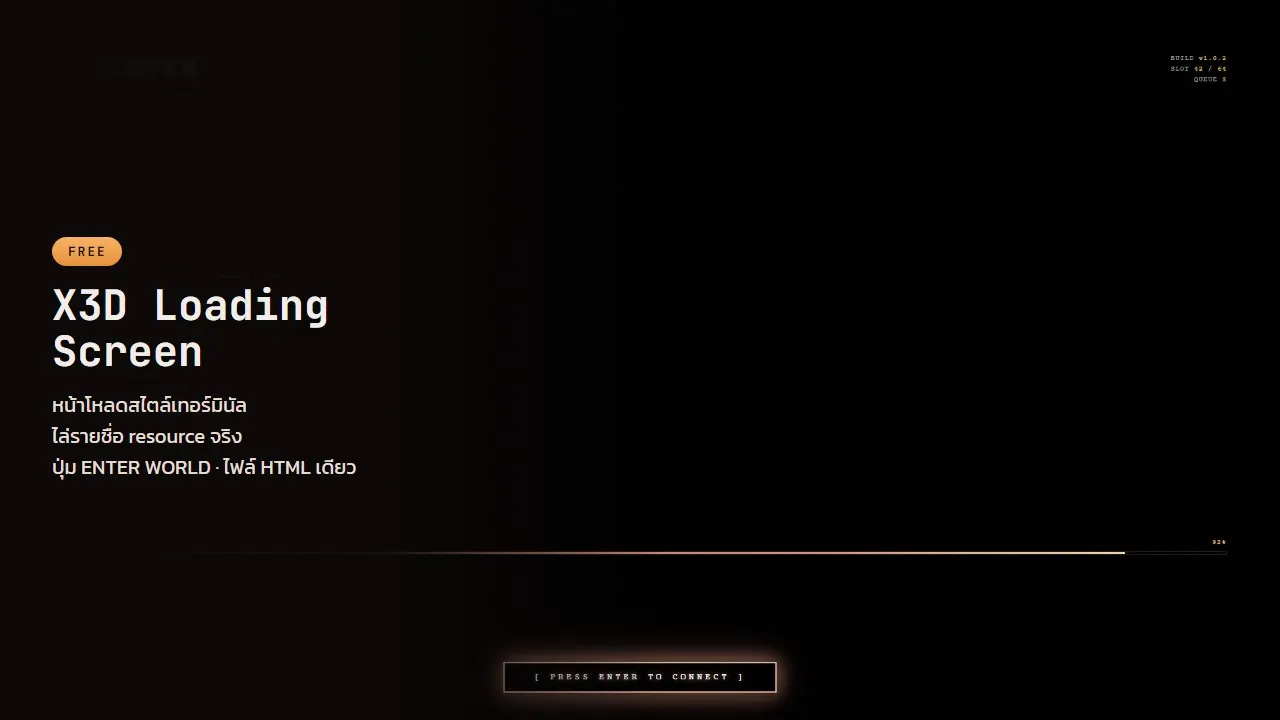
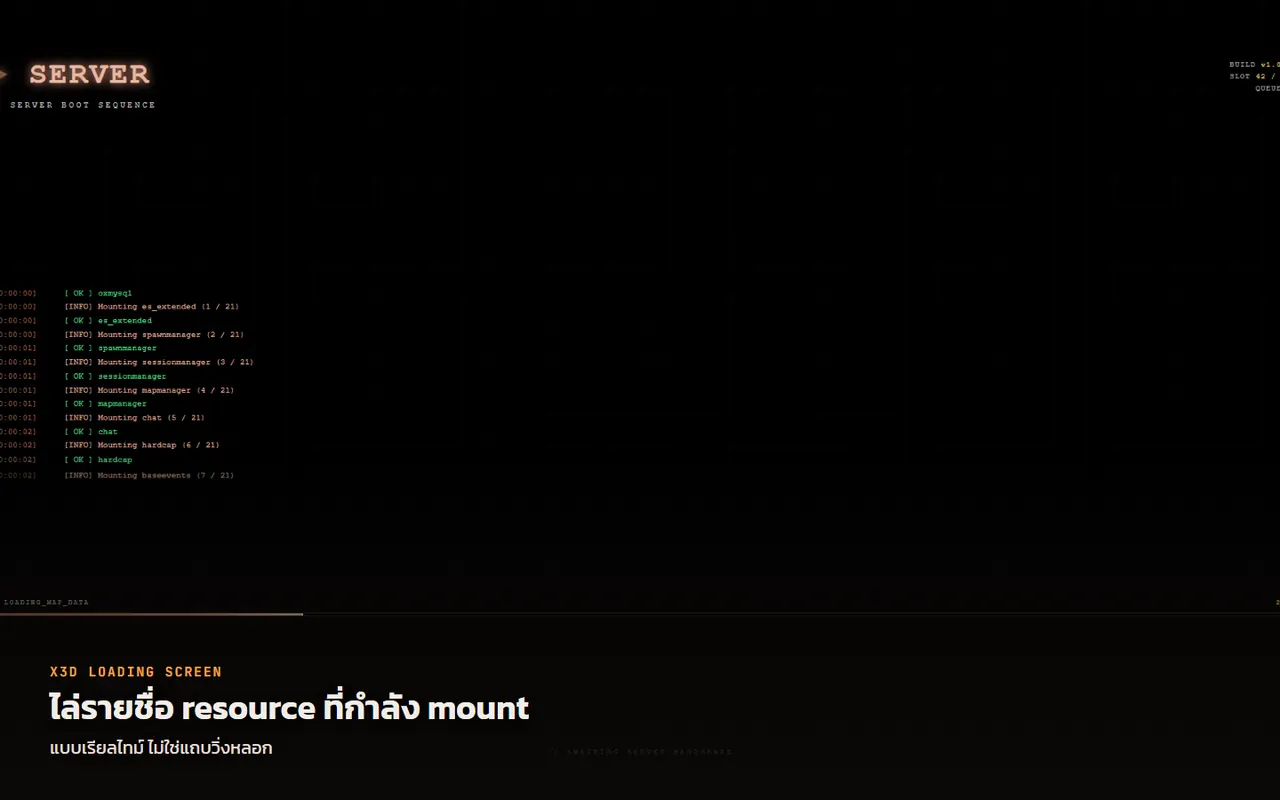
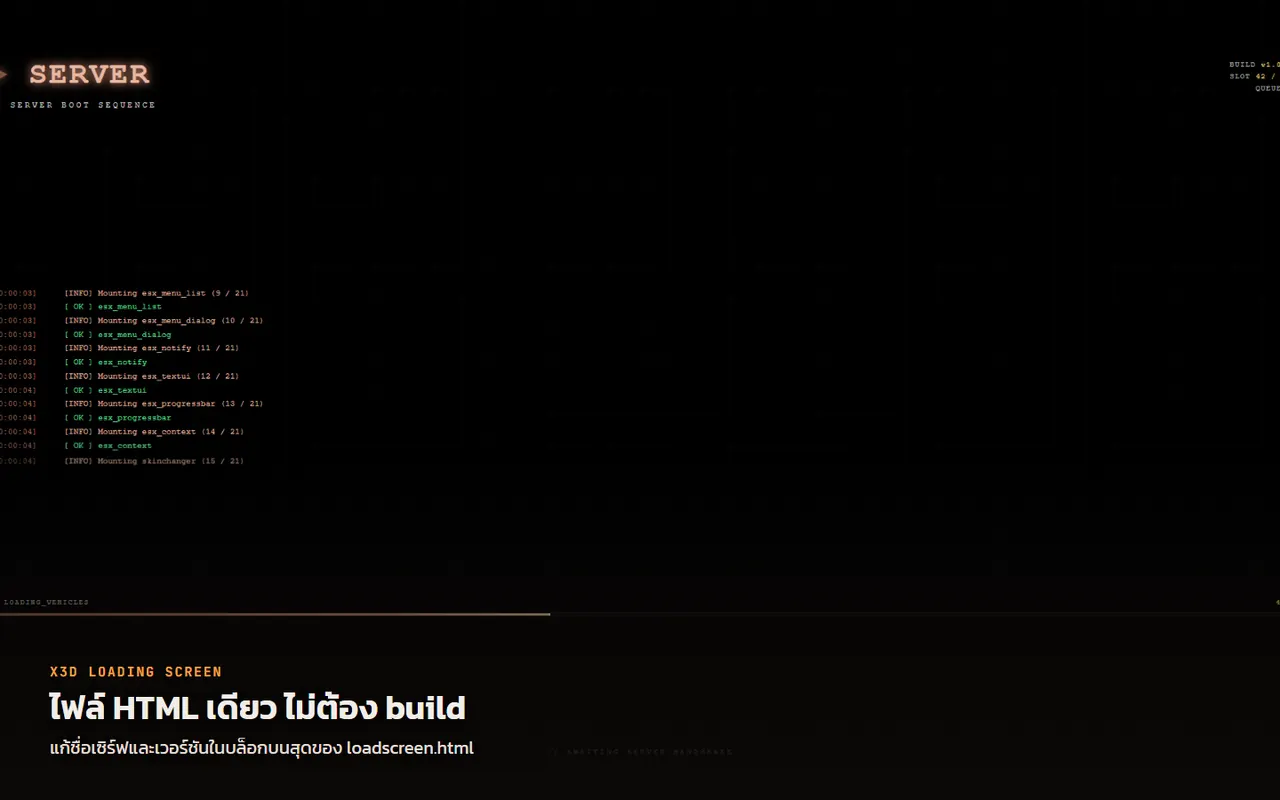
A terminal-style loading screen that streams each resource as it actually mounts, ending on an ENTER WORLD button the player presses when they are ready.
One HTML file. No npm run build, no network at render time, no node_modules.
Features
- [+] Streams each resource as it actually mounts, not a fake progress bar
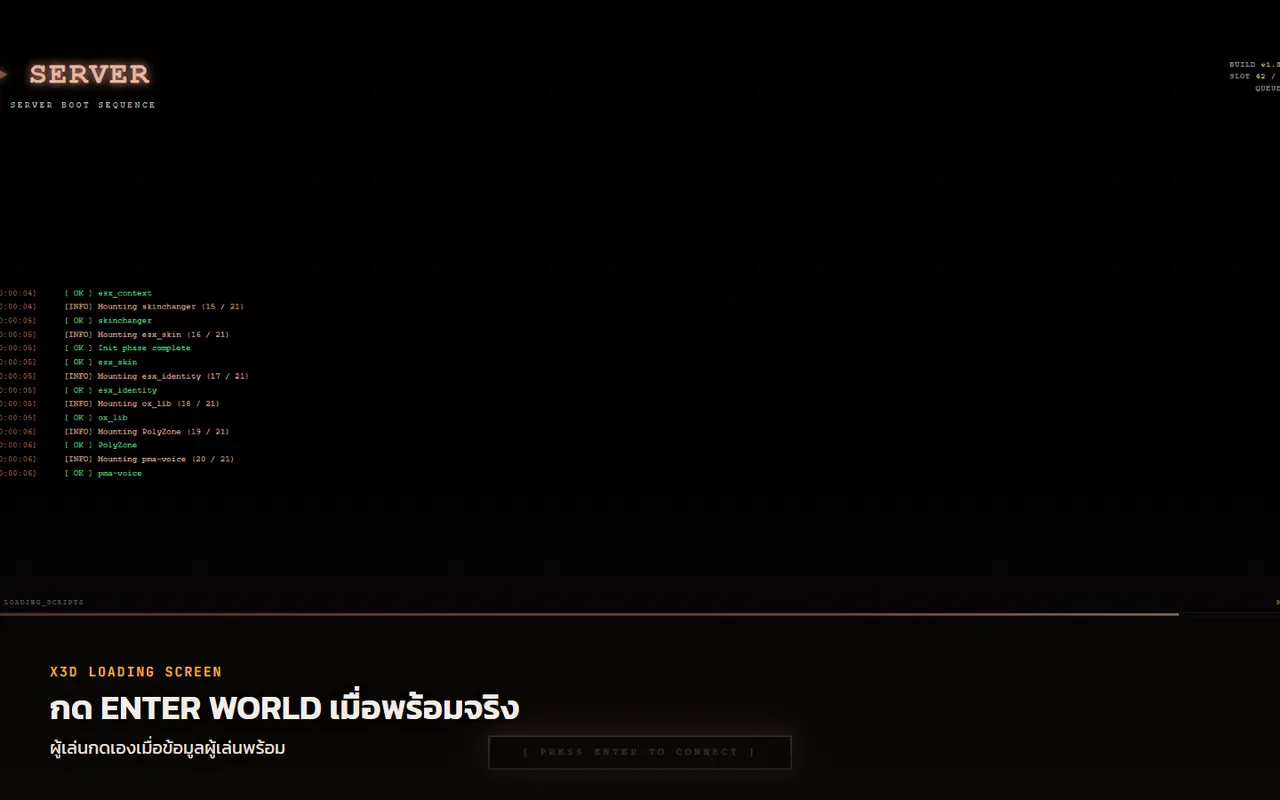
- [+] ENTER WORLD button the player presses once their data is truly ready
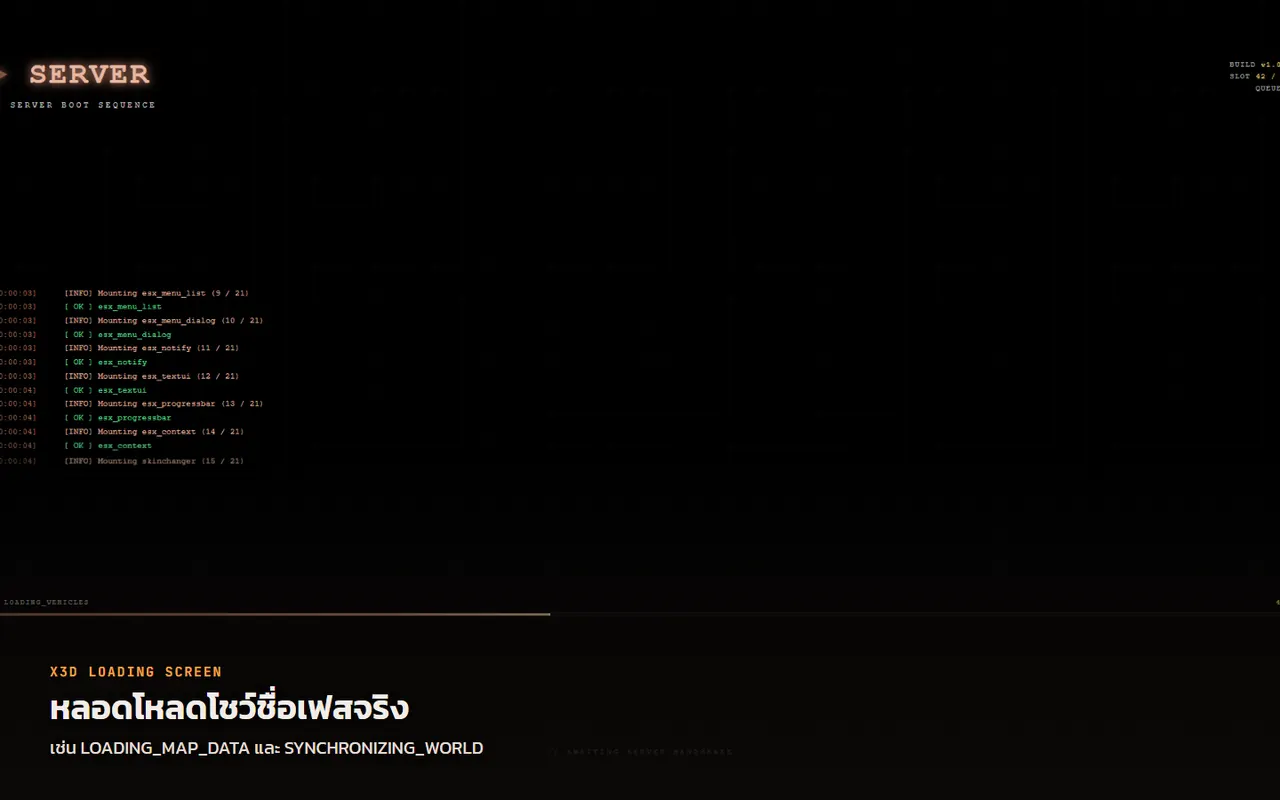
- [+] Progress bar with phase names such as LOADING_MAP_DATA and SYNCHRONIZING_WORLD
- [+] Music volume control that remembers the setting for next time
- [+] One HTML file: no build step, no internet needed
- [+] Edit the server name, subtitle and version at the top of loadscreen.html
- [+] Drop in bg.png to bg6.png for a slideshow that switches every 7 seconds
- [+] Use a bg.mp4 background video and a loop.mp3 song by dropping the files in
- [+] Works with stock ESX and standalone
- [+] Opens in a normal browser with a simulation mode for quick testing
Why one file
CEF has no internet while the loading screen renders, and an ES module script tag served from file:// fails CORS. That is why loading screens built from Nuxt or Vue so often come up as a white screen on some players' machines.
Here the CSS and JS are embedded in the single file and nothing is ever requested. It renders the same everywhere.
What you get
- Live resource mounting — read from real FiveM load events, not a fake progress bar. Players can see where it is stuck.
- An ENTER WORLD button that goes live only once the player's data is genuinely ready
- A progress bar with phase names —
LOADING_MAP_DATA,SYNCHRONIZING_WORLD,LOADING_SCRIPTS - A volume slider that remembers the setting for next time
- Cat cursors, the same set as the other X3D interfaces
Works on any core
| Core | Behaviour |
|---|---|
| Stock ESX | the button goes live on esx:playerLoaded; the character has already spawned behind the black |
es_extended X3D Build |
the core parks the player until ENTER WORLD is pressed, then spawns them right there |
| Standalone, no ESX | use it as a plain loading screen; the button still works |
Making it yours
The server name, the subtitle and the version in the corner are one block at the top of loadscreen.html:
var BRAND = 'SERVER';
var SUBTITLE = '// SERVER BOOT SEQUENCE';
var BUILD = 'v1.0.2';
Backgrounds and music are just files dropped next to loadscreen.html, no code change — bg.png through bg6.png (several means a crossfading slideshow every 7 seconds), bg.mp4, loop.mp3. The slideshow probes which ones exist and skips the rest.
With none of them it still runs, as a plain terminal background.
No art or music included
Deliberately. Media licensing is a separate matter from the script, and every server wants its own artwork anyway.
Free music: freemusicarchive.org, incompetech.com
Note
Written from scratch; none of esx_loadingscreen's code is in it. Remove esx_loadingscreen when you install this — both claim the same loadscreen slot.
Version history
- 1.0.5 — Released 13/10/2026 00:20
- 1.0.3 — Released 12/10/2026 10:30
- 1.0.2 — Released 25/09/2026 00:21
- 1.0.1 — Released 24/09/2026 23:56
- 1.0.0 — Released 24/09/2026 07:50
Related scripts
- Updated
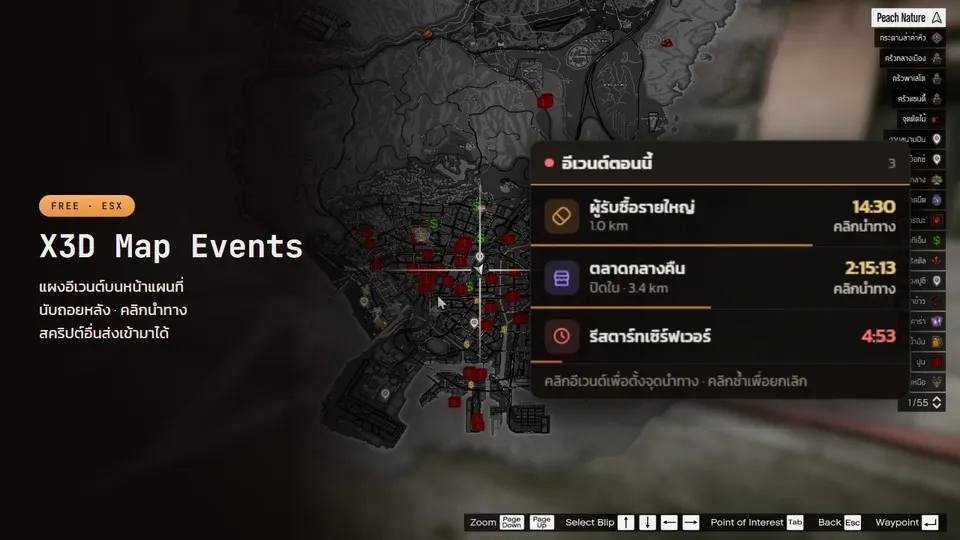
X3D Map Events
Free event panel on the pause-menu map: name + countdown, click to set a waypoint. Other scripts push events like notifications; admins can create their own.
- Updated
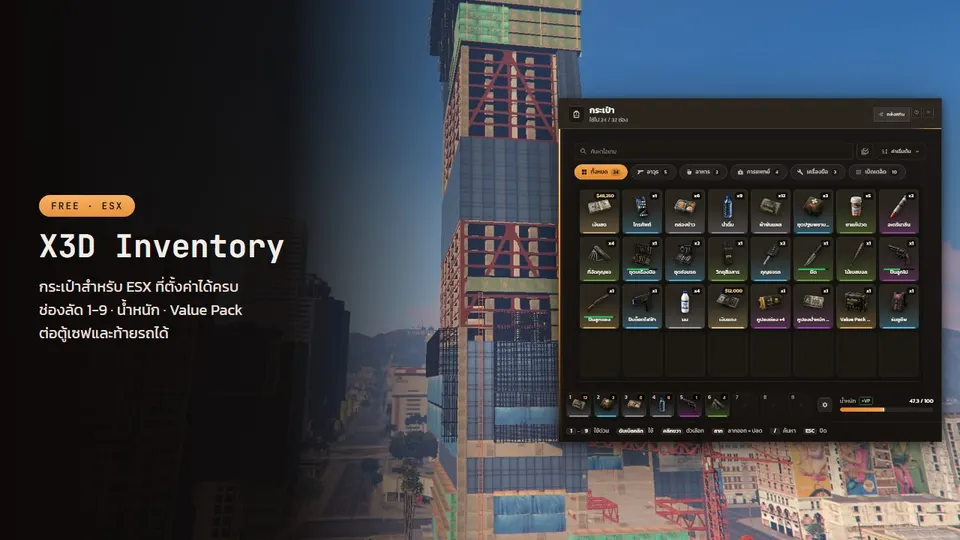
X3D Inventory
Free ESX inventory with big readable text, hotkeys 1–9 saved per character, coupon-based capacity and a storage panel for any vault or trunk script.
- Updated
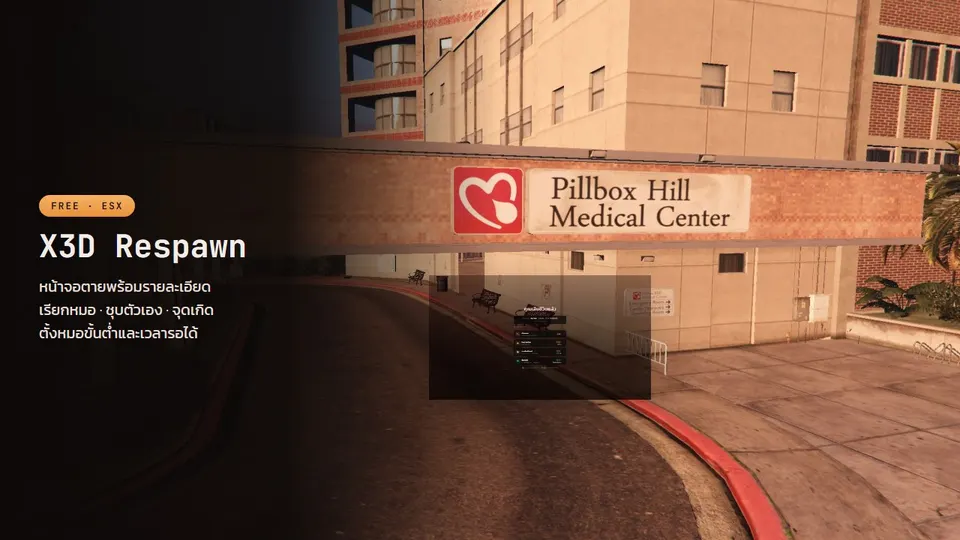
X3D Respawn
Free death screen: Call EMS button, wait for medics when they are online, respawn points, self-revive, a death summary and death kept across relogs.
- Updated
X3D Phone
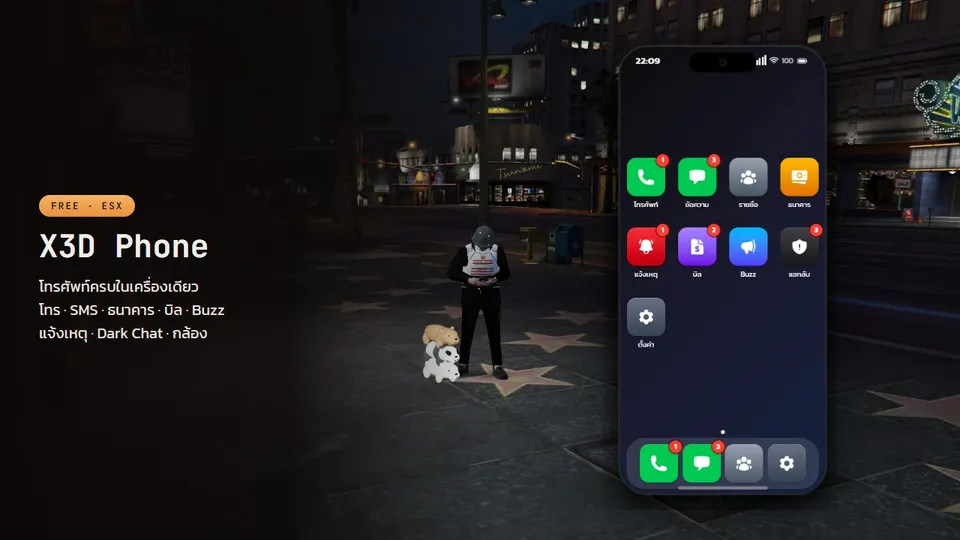
Free ESX smartphone: pma-voice calls, SMS with location sharing, mobile banking, a camera with self-hosted photos, Buzz and anonymous Dark Chat.
Posts that cover this script
- 24/09/2026
QBCore vs ESX Legacy vs Qbox: which framework to pick for a FiveM server in 2026
QBCore vs ESX Legacy vs Qbox: script support, install difficulty, performance, migration cost, and what to pick for a new server or a 2,000-player city.
Read more - 27/09/2026
Free FiveM cache cleaner for Windows: clears every server's cache in one click, keeps your key bindings (download + full source)
A Windows .bat file players double-click to clear the FiveM cache for every server (cache, server-cache, nui-storage) without losing key bindings, graphics settings or the Rockstar link. Backs up fivem.cfg first. Fixes stuck loading, map not loading and stale files after a server update. Full source included.
Read more - 24/09/2026
FiveM map not loading, falling through the map, buildings missing: causes and fixes for players and servers
FiveM falling through the map, map not loading, buildings and roads missing, spawning at (0,0,0) or dead. The real causes: slow HDD, low RAM/VRAM, graphics mods, NPC overload, a core that saves corrupt coordinates on disconnect. Fixes for each, plus the free scripts that fix the server side.
Read more - 24/09/2026
FiveM Stuck on Loading Screen? 8 Fixes for Players, 5 for Server Owners
FiveM stuck on the loading screen, on the Rockstar launcher, on Connecting, or on a loading screen with music playing; black screen, white screen, loading never finishes. Step-by-step fixes for players (clear cache, move to SSD, disable ReShade, verify game files) and the server-side causes only the owner can fix (white loading screen, a client resource erroring at boot, the core spawning players before the world is ready).
Read more