
Description
An ESX inventory that reads clearly, runs smoothly and plugs into your other scripts
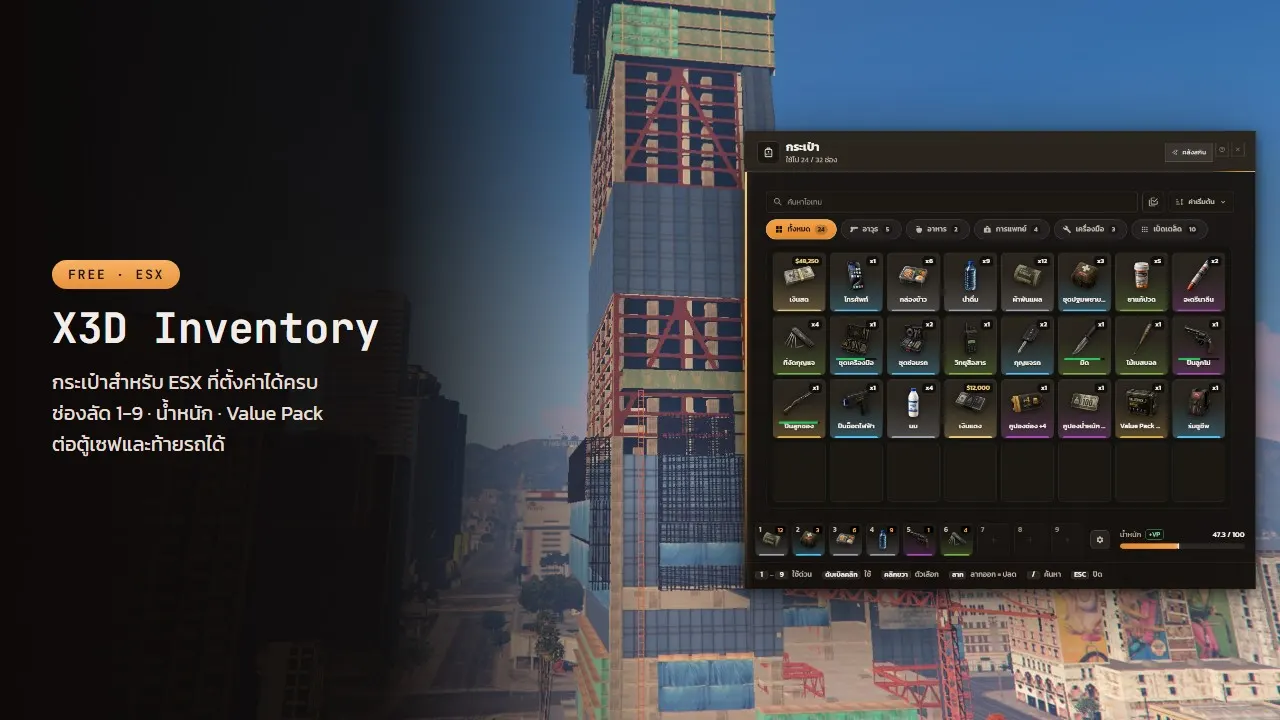
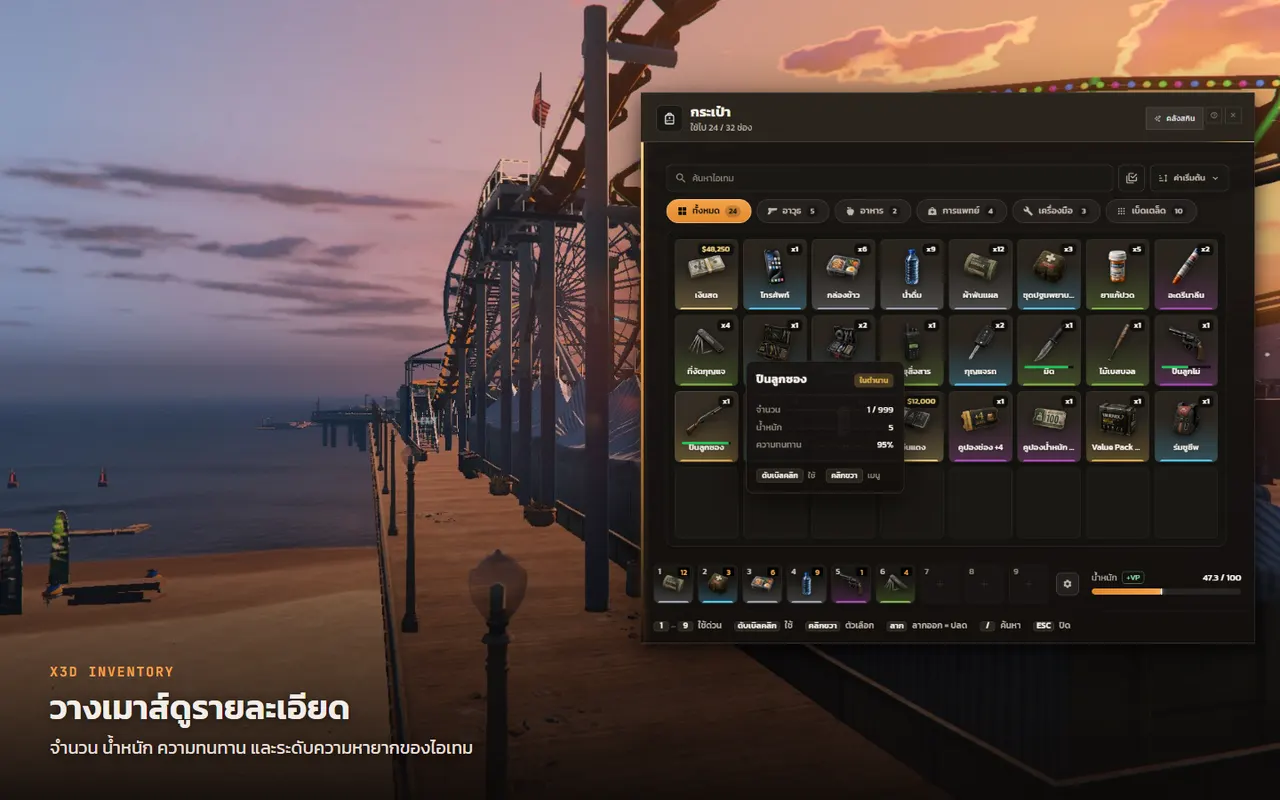
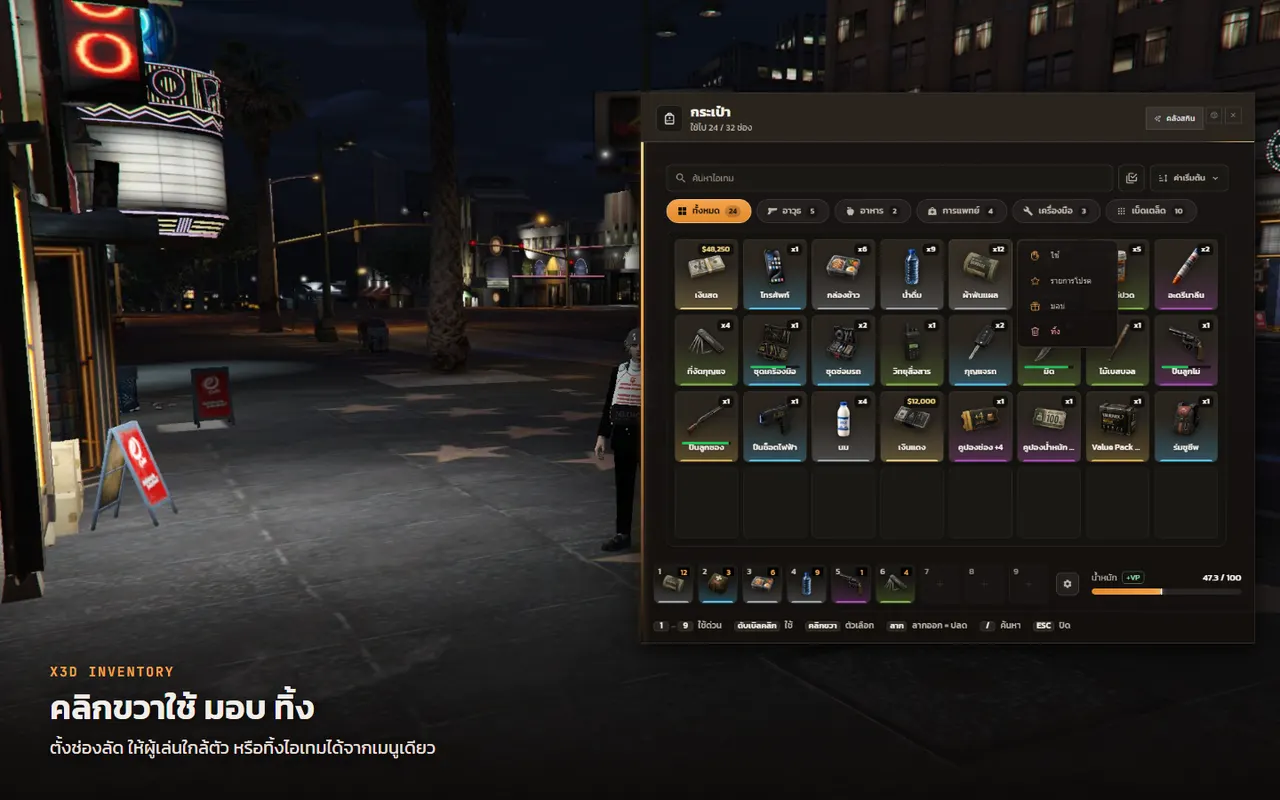
A free ESX Legacy inventory with a ready Nuxt 4 screen: big readable text, big item icons with rarity colours, drag and drop, stack split and hotkeys 1–9 from the first start.
Features
- [+] Easy to set up: tune everything in config, or edit it from the web builder
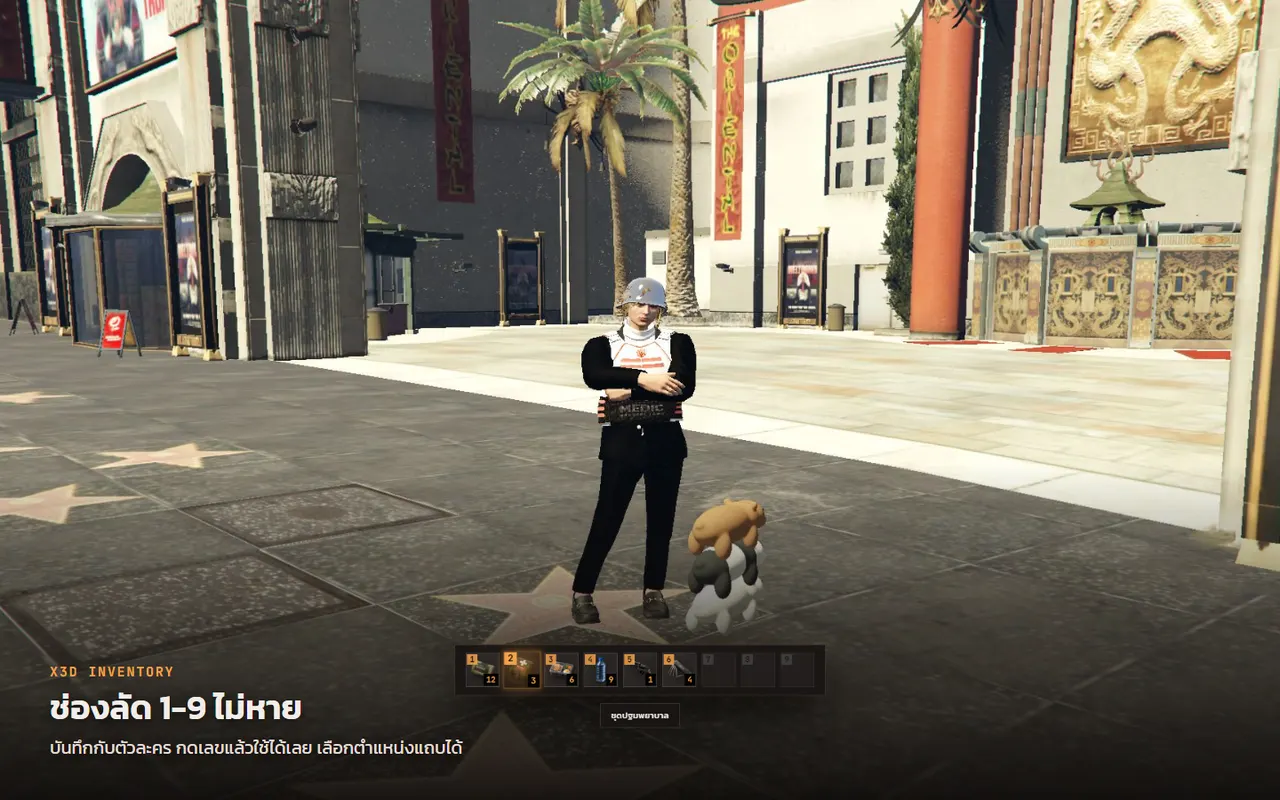
- [+] Hotkeys 1-9 saved per character, with the hotkey bar position you choose
- [+] Set starting slots and weight, then grow them with slot and weight coupons
- [+] Value Pack for temporary extra slots and weight, by number of days
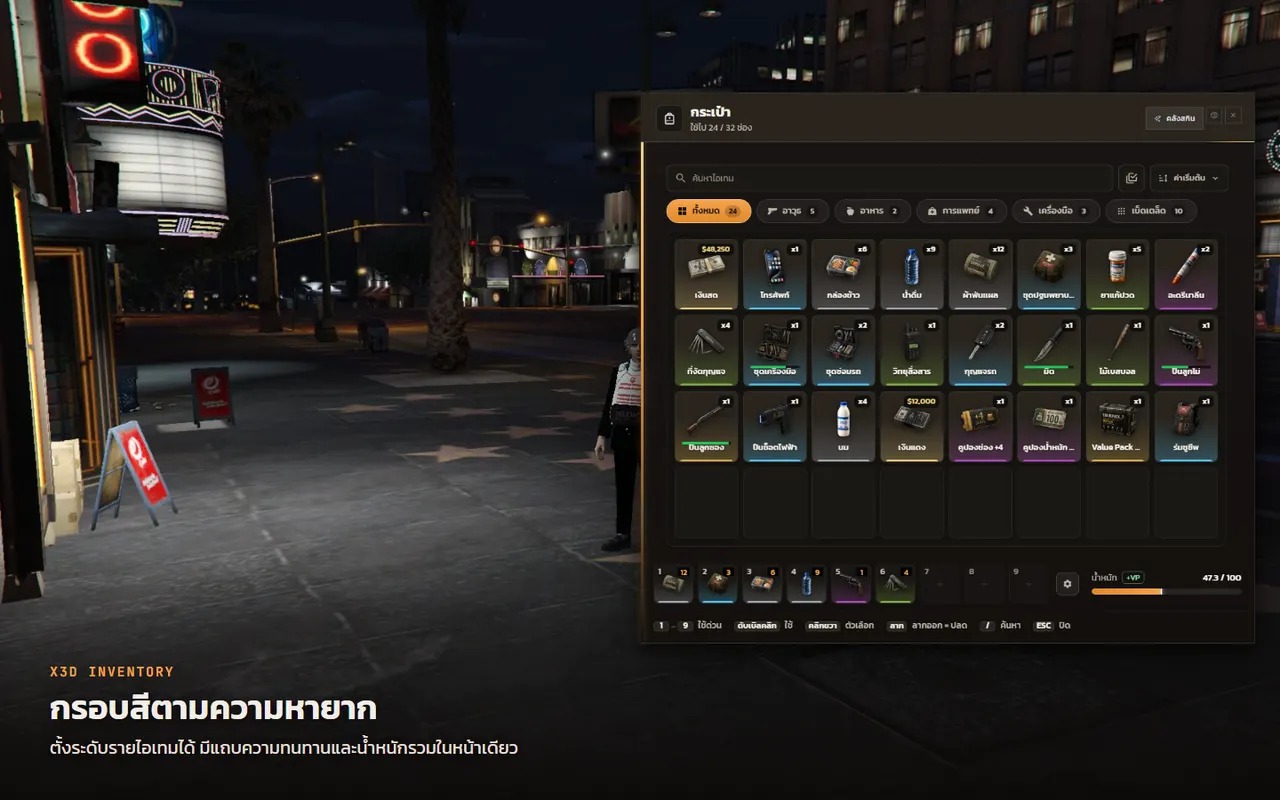
- [+] Rarity colours on every item, set per item
- [+] Stack size set per item
- [+] Per-item use cooldown, reduced by job if you want
- [+] Switch off durability, weight, slot count or stack limit one at a time
- [+] Choose whether cash, dirty money and bank show as bag slots
- [+] Police and admins can search a player's bag, with the jobs and groups you set
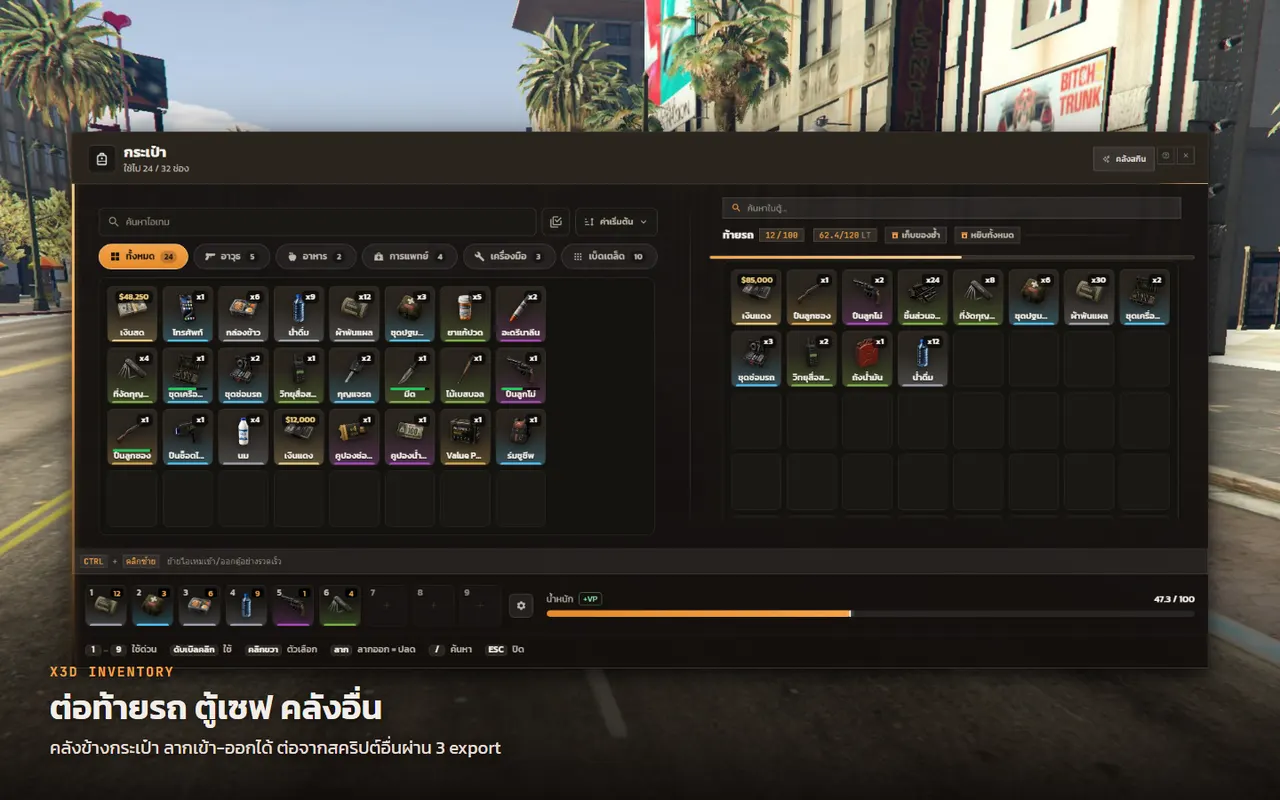
- [+] Plug vaults, trunks and stash scripts in through 3 exports
- [+] Connect other scripts through addons/
Hotkeys 1–9 that stay
Drag an item onto the bottom bar and press its number. Hotkeys are saved with the character in the database, so a new PC or a cleared cache keeps them.
Capacity that grows
Set the starting slots and weight, raise them permanently with slot and weight coupons, or for a number of days with a Value Pack. The items and their pictures come in install.sql.
Server-side checks
- Every use, give, drop and bag search is checked on the server: amount, distance and permission
- A lock stops double gives, and each item can have its own cooldown
- Switch off any part on its own: durability, weight, slot count, stack limit
Easy to connect
- Any vault, trunk or stash script drives the same storage panel through 3 exports
RegisterDurabilityProviderlets job scripts show a durability bar on the slot- Weapon skins with X3D Weapon Skins: change skin from the right-click menu, skin tag and tooltip on the slot, nothing to configure
- Hooks for a sell button, a guide button and vehicle keys; leave one empty to hide it
Two languages
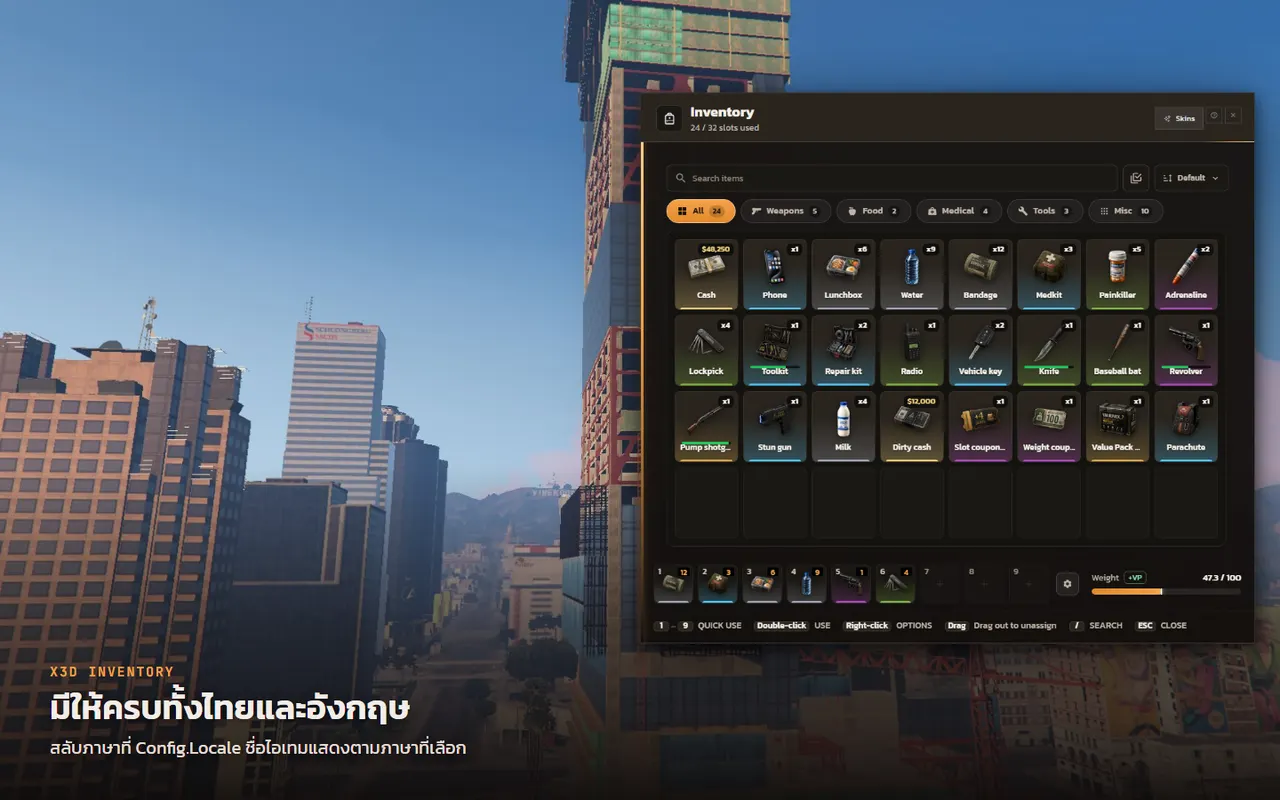
Pick Config.Locale = 'th' or 'en'. Item descriptions take both languages.
Free · edit the code as you like · just don't resell it or re-upload it under your own name
Items dropped on the ground get a clear 3D label — Thai item names display correctly — and the pick-up line follows your language ([E] Pick up / [E] เก็บของ).
Version history
- 1.1.4 — Released 13/10/2026 00:16
- 1.1.2 — Released 12/10/2026 10:22
- 1.1.1 — Released 11/10/2026 16:17
- 1.1.0 — Released 10/10/2026 18:46
- 1.0.0 — Released 05/10/2026 11:10
Related scripts
- Updated
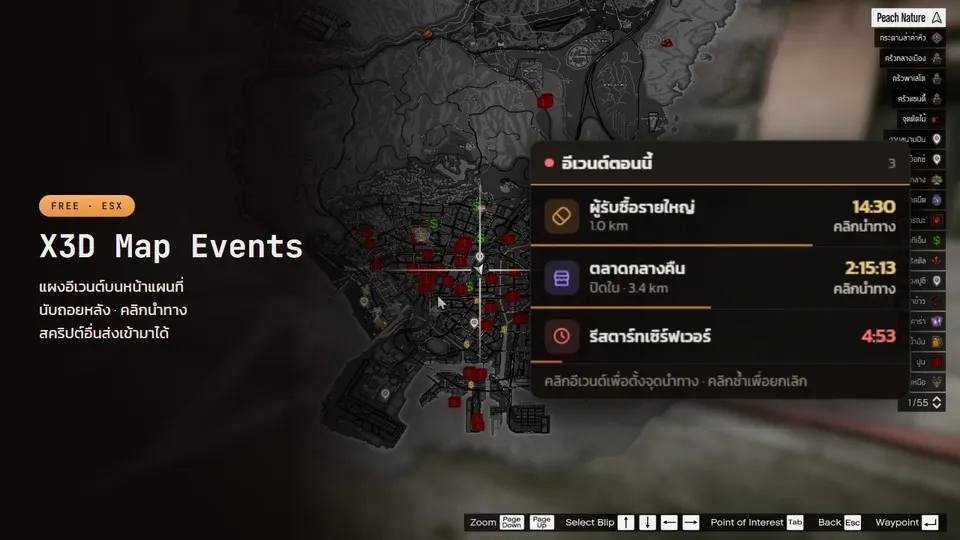
X3D Map Events
Free event panel on the pause-menu map: name + countdown, click to set a waypoint. Other scripts push events like notifications; admins can create their own.
- Updated
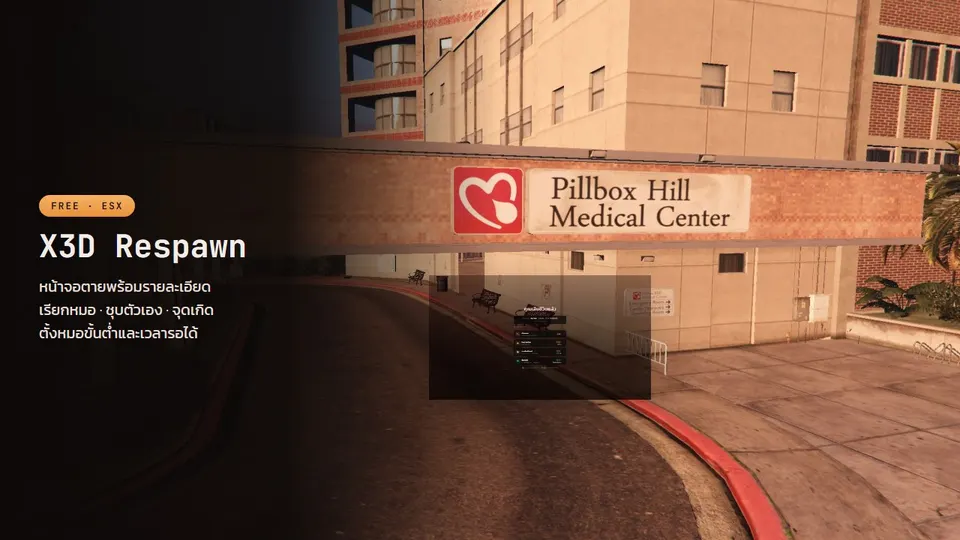
X3D Respawn
Free death screen: Call EMS button, wait for medics when they are online, respawn points, self-revive, a death summary and death kept across relogs.
- Updated
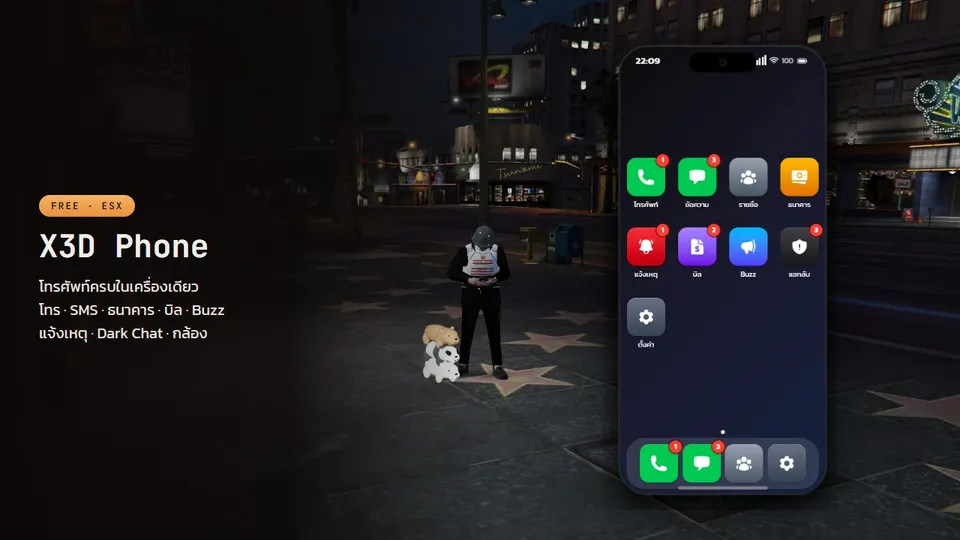
X3D Phone
Free ESX smartphone: pma-voice calls, SMS with location sharing, mobile banking, a camera with self-hosted photos, Buzz and anonymous Dark Chat.
- Updated
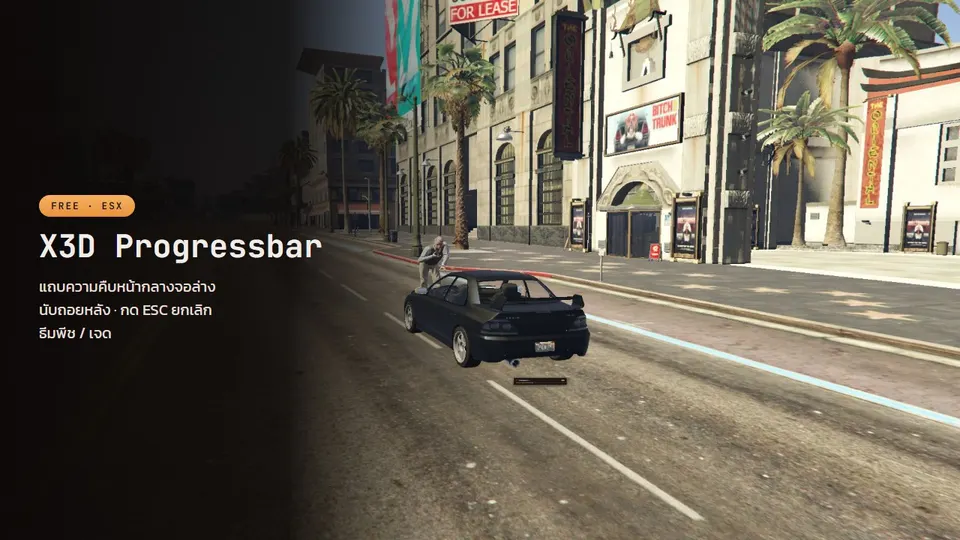
X3D Progress Bar
A peach-themed progress bar with ESC to cancel, a countdown, an automatic hotkey lock, and a bundled Thai font.
Posts that cover this script
- 10/10/2026
Free FiveM weapon skins and a weapon damage script: a tradable skin collection, headshot kills, bleed, stun and lifesteal
Free FiveM ESX weapon skins (X3D Weapon Skins): unlock skins with items into a permanent collection, damage always equals the base weapon, turn tradable skins back into items to trade or sell. Plus a free weapon damage script (X3D Damage): per-weapon damage, headshot kills, bleed, slow, stun, knockdown and lifesteal, on ESX or standalone. How to add new skins and what to know about anticheat.
Read more - 05/10/2026
Free FiveM inventory UI for ESX: hotkey bag, vaults and trunks on one screen
A free FiveM ESX inventory set from X3D: X3D Inventory with big readable text, hotkeys 1–9 saved per character and coupon-based capacity, X3D Vault with levelled player vaults and job vaults, and X3D Vehicle Storage with trunk capacity by vehicle class and owner-only access. Everything is checked server-side against dupes. Install order and how to plug in your own storage script.
Read more - 24/09/2026
Replace esx_notify, esx_progressbar and esx_loadingscreen with X3D's free UI set — without touching old scripts
esx_notify has 4 positions and no Thai font, esx_progressbar cannot be cancelled, esx_loadingscreen white-screens on some machines. A side-by-side of stock ESX UI against X3D Notify, X3D Progress Bar and X3D Loading Screen (free, GPL v3), and how to switch while scripts that call the old exports keep working unchanged.
Read more - 15/09/2026
How Much Does It Cost to Open a FiveM Server, and What Do You Need? From 32 Players to a 2,000-Player City (2026)
Read more