

Description
A clean map and a steady frame rate, free, with nothing else to install.
Crowds on every sidewalk, AI cars at every light, blood pools that stay all night, tire marks everywhere, a character still covered in blood from a shootout two hours ago: x3d_environment cleans all of it. Every module toggles on its own. Works on ESX, QBCore and standalone, and fits any city style (school / community / RP).
Features
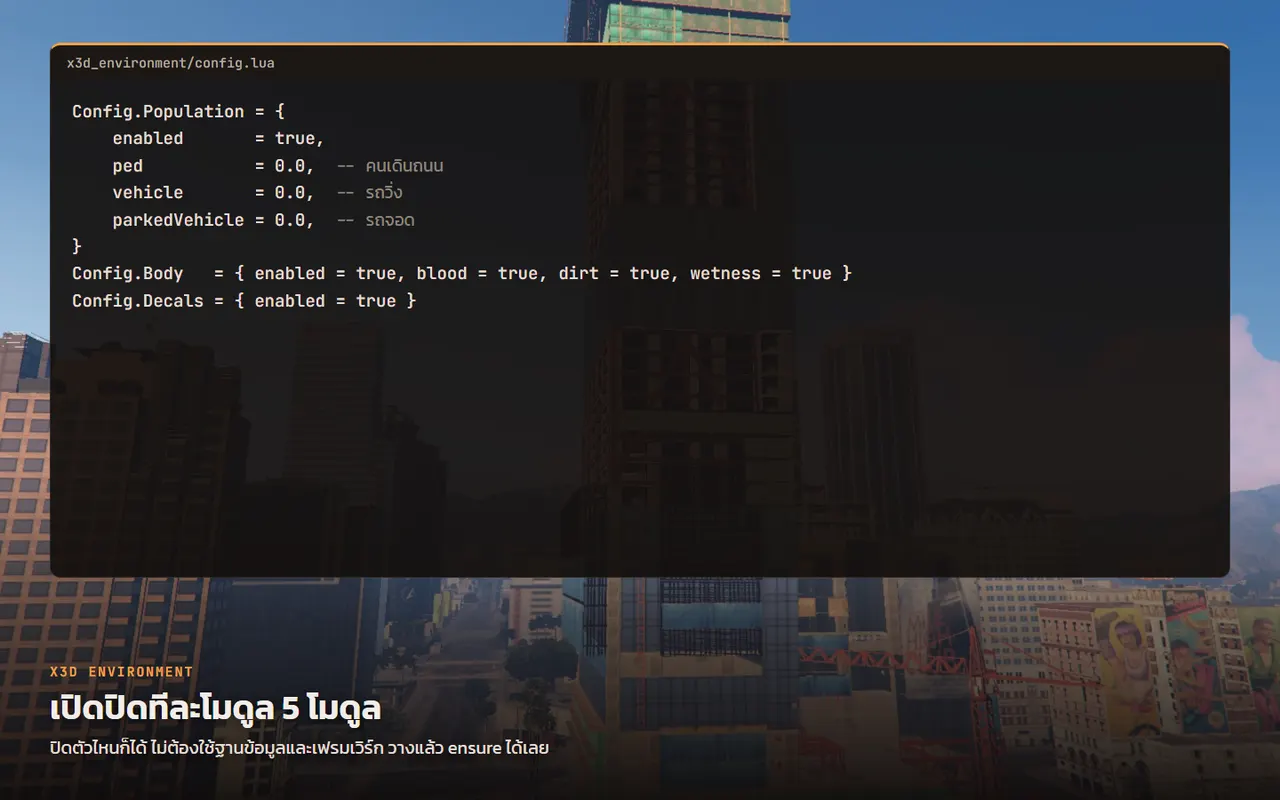
- [+] Easy setup: tune everything in config, or set it from the web builder
- [+] Five modules, each one switches on or off on its own
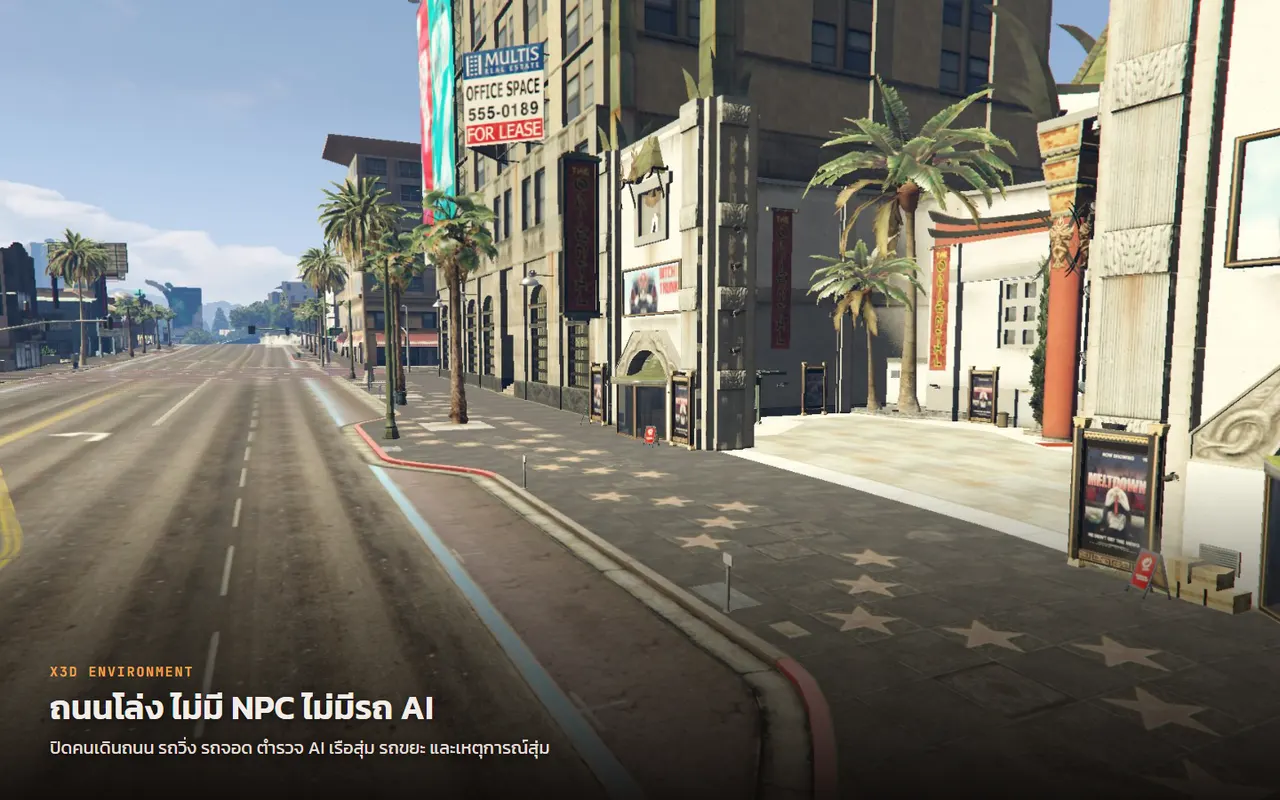
- [+] Turns off pedestrians, moving cars, parked cars and AI traffic
- [+] Turns off AI cops, random boats, garbage trucks and random events
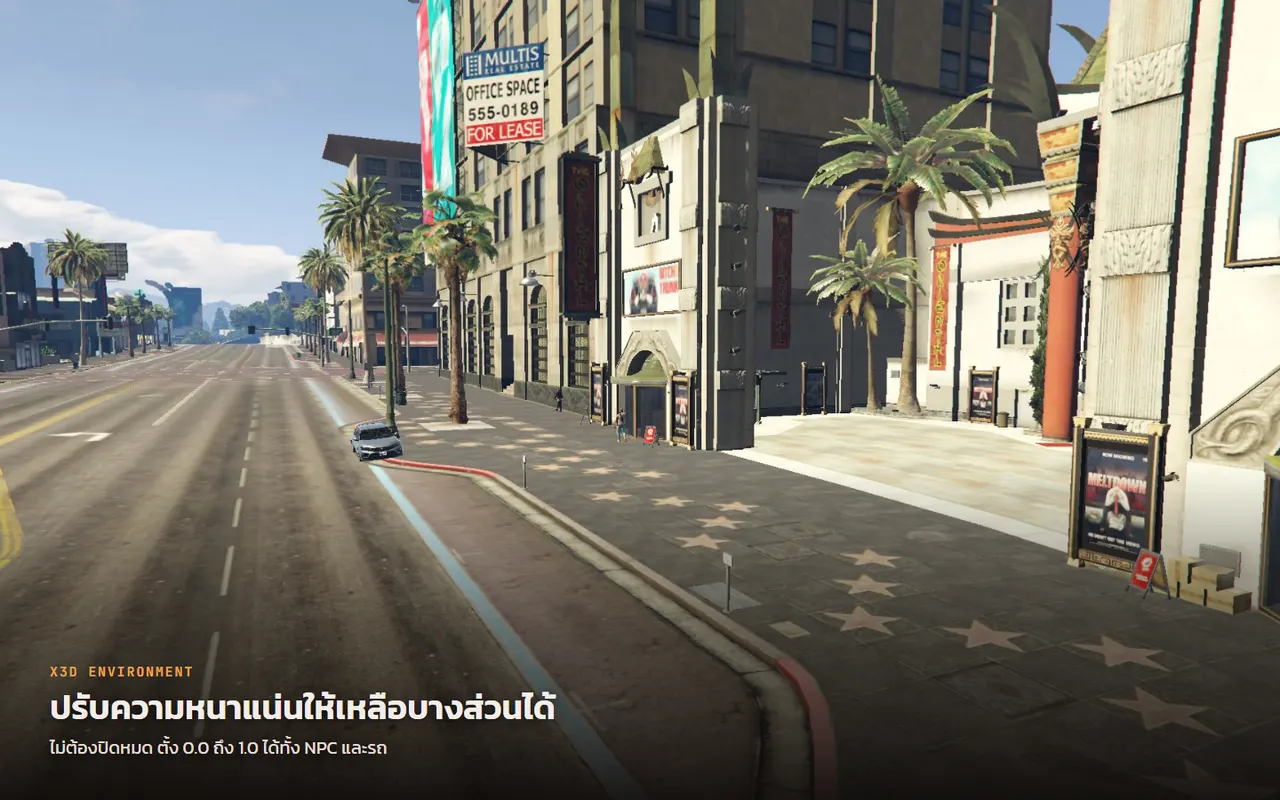
- [+] Keep part of the crowd or traffic by setting the density instead of zero
- [+] Wipes blood, tire marks and bullet decals on the ground, radius is yours
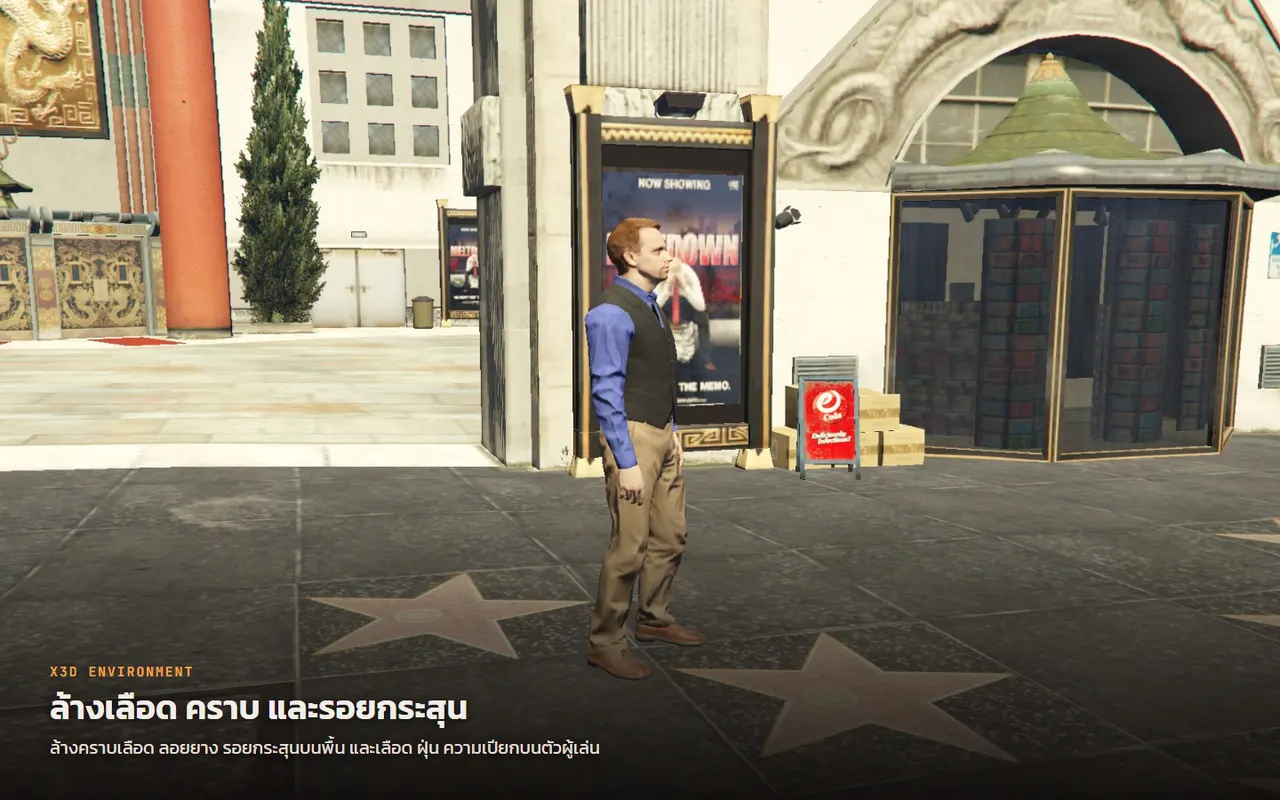
- [+] Clears blood, wounds, dirt and wetness on players
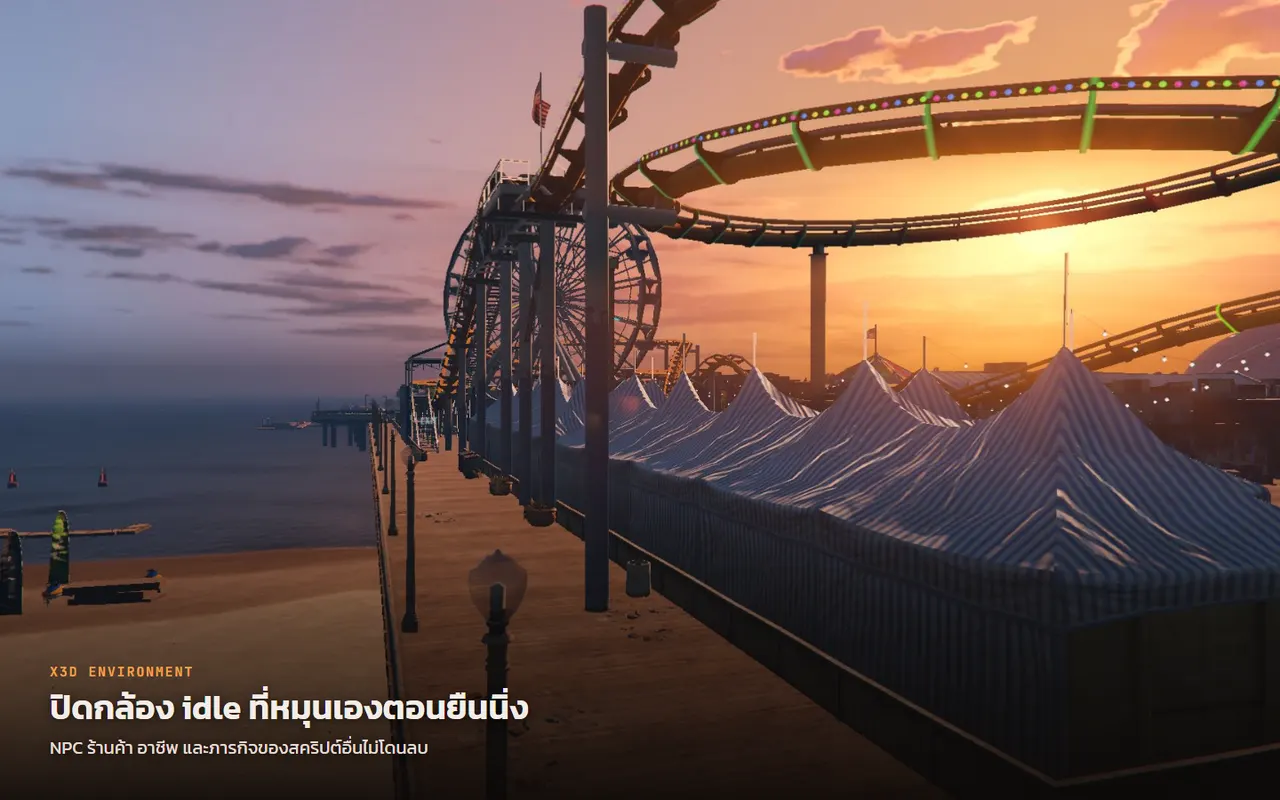
- [+] Turns off the idle camera that swings around when you stand still
- [+] Shop, job and mission NPCs from other scripts are never deleted
- [+] Other scripts can pause a module through an export, e.g. during a mission
- [+] No database and no framework needed, drop it in and ensure it
Five independent modules
- NPCs and AI traffic — stop the game from creating pedestrians, moving cars, parked cars, AI cops, boats, garbage trucks and random events, and delete the ones already spawned
- World scenarios — disable vehicle scenarios map-wide (idling AI cars, patrol cops, military planes)
- Idle camera — kill the camera that swings around on its own when you stand still, on foot and in a vehicle
- Player stains — clear blood, visible damage, dirt and wetness on you and on the players you see
- Ground decals — wipe blood pools, tire marks, bullet holes and oil stains in a radius around you
A disabled module never creates its thread.
Your own NPCs are safe
The sweep only deletes what the engine spawned (GetEntityPopulationType 1–5). Shop, job and mission NPCs are type 6/7 and are never touched. Player vehicles and occupied vehicles get a second check.
Everything is tunable
Every line in config.lua is documented in Thai and English. Want some pedestrians but no traffic? Keep blood for roleplay but clear wounds off the body? Sweep the ground faster and wider? One number each.
Exports let another resource pause a module during a cutscene or a mission that needs NPCs, then switch it back on without a restart.
Requirements
None. No database, no framework, no UI, no license. Drop it in and ensure it.
Free · modify it as you like · just don't resell it or re-upload it under another name.
Version history
- 1.0.2 — Released 13/10/2026 00:23
- 1.0.0 — Released 16/09/2026 16:48
Related scripts

- Updated
ESX Legacy Core — X3D Build
A faster es_extended that stops player saves going corrupt, autosaves every 10 minutes and freezes the economy before a restart. Drop-in, same resource name.
- 7-day trial
- Updated
X3D Replay
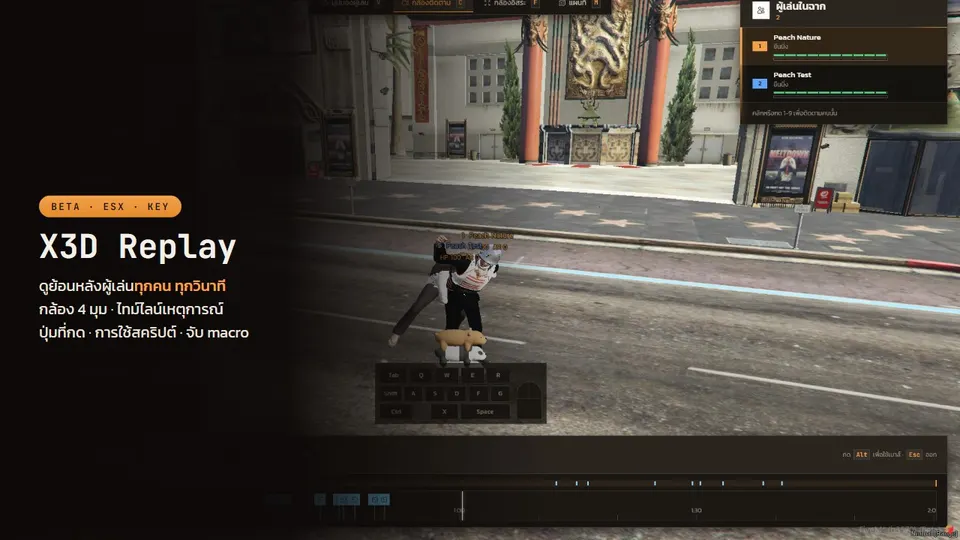
BETA pricing. Records every player, every session. Watch it back in game: 4 cameras, kill/death timeline, pressed keys, script usage, macro flags.
or rent ฿120/month
- 7-day trial
X3D Anti-Cheat
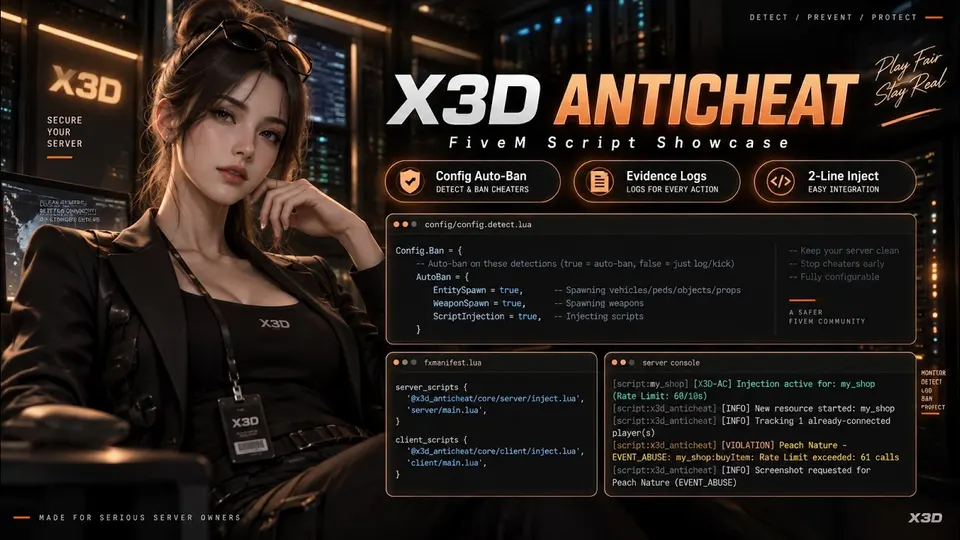
BETA pricing, join the testing. Evidence-first anti-cheat: Discord embeds with screenshots, HWID bans, Steam/Discord account lock, two-line event guard.
or rent ฿120/month
- 7-day trial
- Updated
X3D Slots 1024 Ways
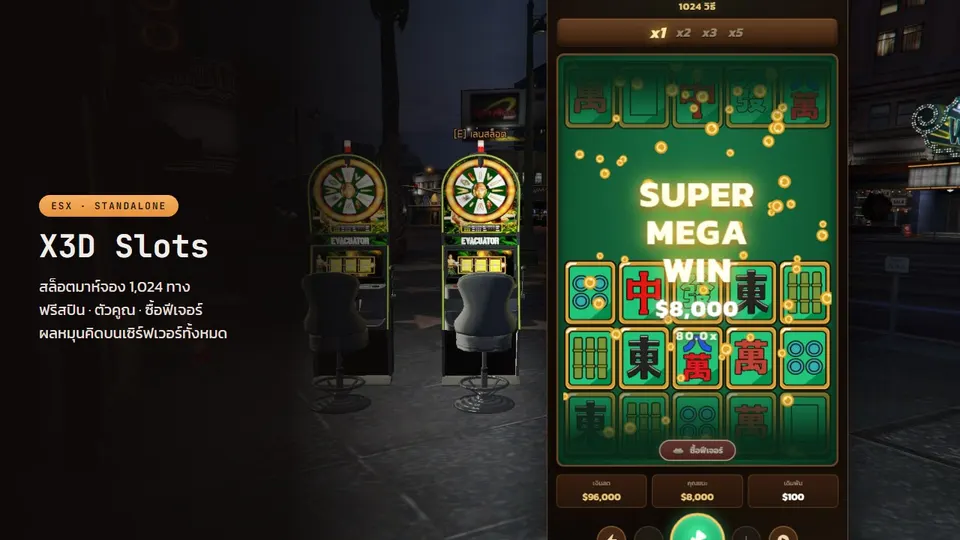
1,024-way cascading slot, Mahjong style, 97.5% RTP. Server-authoritative spins, anti-exploit, with free spins, multipliers and big-win scenes.
or rent ฿500/month
Posts that cover this script
- 12/10/2026
Fix FiveM has stopped responding (DirectX query): GPU timed out, game freezes and closes
FiveM freezes and shows FiveM has stopped responding (DirectX query), saying the game was waiting for the GPU to finish the last frame and timed out. Step-by-step fix for players: clean GPU driver install with DDU, remove ReShade and graphics mods, clear the FiveM cache, undo overclocks, turn off overlays, lower texture settings. Plus what server owners should check: oversized textures, broken models and too many streamed assets.
Read more - 24/09/2026
QBCore vs ESX Legacy vs Qbox: which framework to pick for a FiveM server in 2026
QBCore vs ESX Legacy vs Qbox: script support, install difficulty, performance, migration cost, and what to pick for a new server or a 2,000-player city.
Read more - 24/09/2026
FiveM map not loading, falling through the map, buildings missing: causes and fixes for players and servers
FiveM falling through the map, map not loading, buildings and roads missing, spawning at (0,0,0) or dead. The real causes: slow HDD, low RAM/VRAM, graphics mods, NPC overload, a core that saves corrupt coordinates on disconnect. Fixes for each, plus the free scripts that fix the server side.
Read more - 24/09/2026
FiveM Stuck on Loading Screen? 8 Fixes for Players, 5 for Server Owners
FiveM stuck on the loading screen, on the Rockstar launcher, on Connecting, or on a loading screen with music playing; black screen, white screen, loading never finishes. Step-by-step fixes for players (clear cache, move to SSD, disable ReShade, verify game files) and the server-side causes only the owner can fix (white loading screen, a client resource erroring at boot, the core spawning players before the world is ready).
Read more